Credit Memo
The Credit Memo tab contains the SBA Loan Report, allowing you to print the report when required.
The Credit Memo tab contains the SBA Loan Report, allowing you to print the report when required.
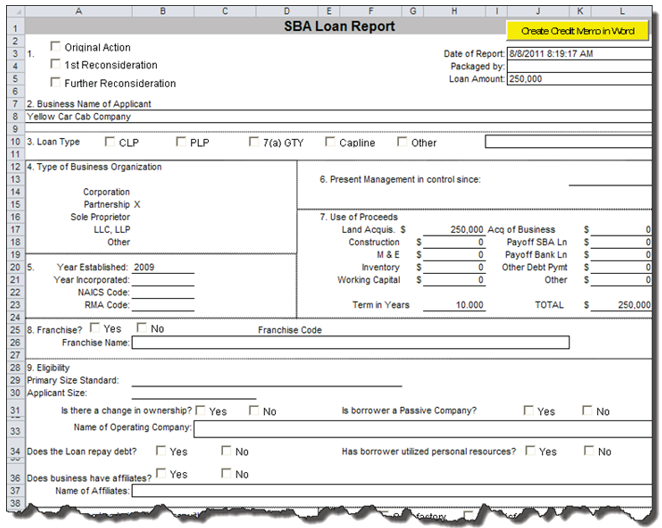
All Data is editable on the Credit Memo, regardless of if it defaults or user entered status.
The Create Credit Memo in Word button allows you to send all the information from the Credit Memo spreadsheet to a Word document. Exporting the information to this multi-page document allows you greater freedom over document features, formatting and utilities, such as spell check. This is because the Word document must be saved to your local system; it is not saved to the TSoftPlus system. Each time you click Create Credit Memo in Word, a new instance of the document is created.
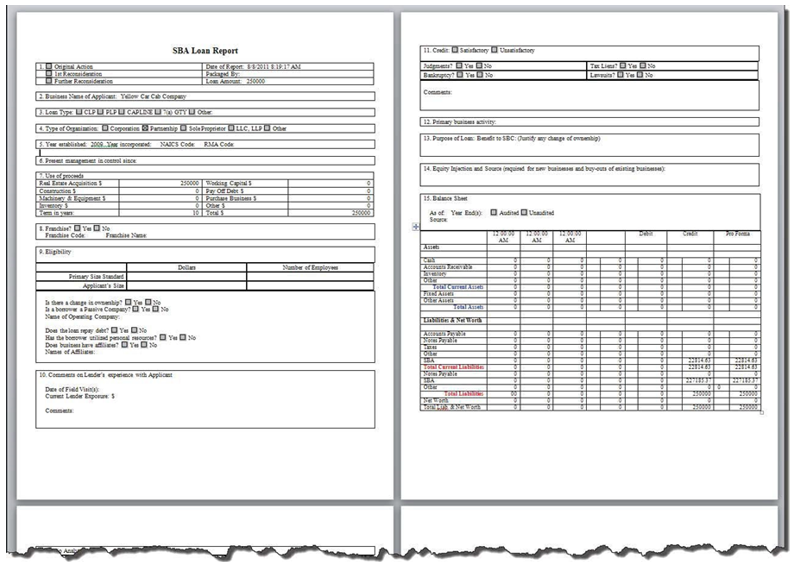
- If desired, additional edits can be made to the Word version of the Credit Memo. However, those changes are not transferred back to the Excel version of the Credit Memo.
- Once any changes are complete, you must save the Word Loan Report locally using File -->Save as (F12). It is not saved to TSoftPlus.
- Any time changes are made to the Credit Memo in Excel, the Credit Memo in Word must be recreated by clicking Create Credit Memo in Word. Consequently, any changes that had been made directly in the Word document will have been lost.