Adding a Loan Party
- While working with a loan, select PARTIES from the menu.
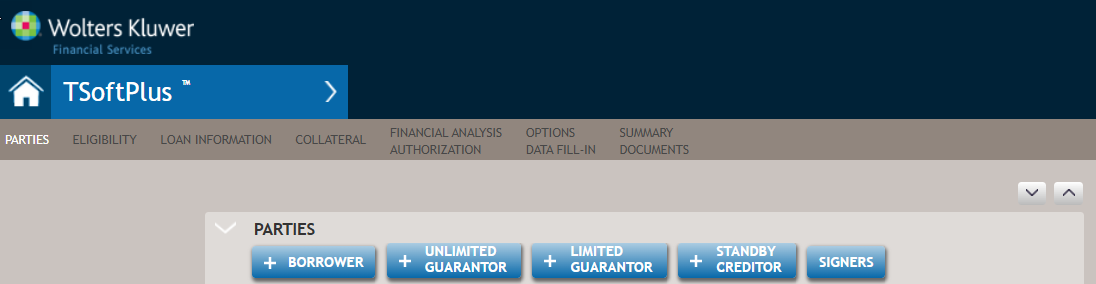
- Select one of the following:
- +BORROWER
- +UNLIMITED GUARANTOR
- +LIMITED GUARANTOR
- +STANDBY CREDITOR
- +SIGNERS
The Select a Party screen is displayed
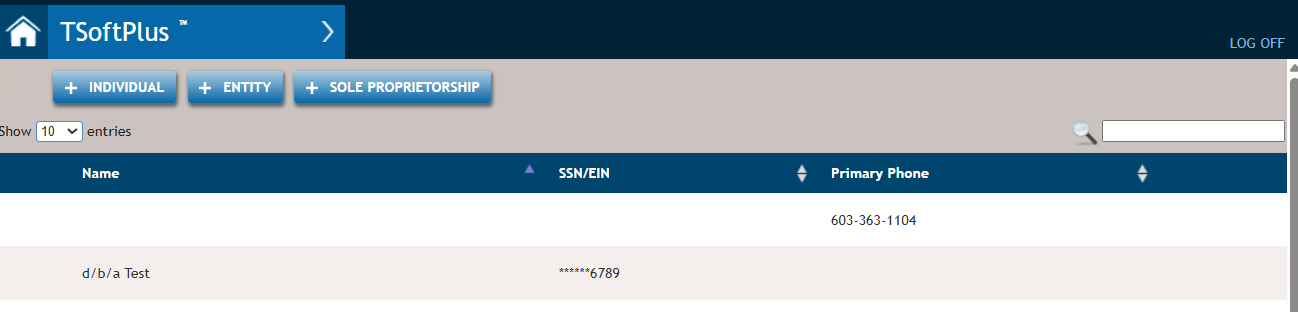
- Browse or search for a party you wish to add for your loan party.Note:You can also create a new party from this screen.
- When you have located the party, click the party listing to select it. You are returned to the Loan Parties screen with the new party in the chosen party type list. For example, if +BORROWER was selected in step 2, the party selected would be added to the Borrowers list on the Loan Parties screen.