Exporting Transaction Data
To export transaction data:
- Locate the loan you wish to export and display the Summary Documents
page.
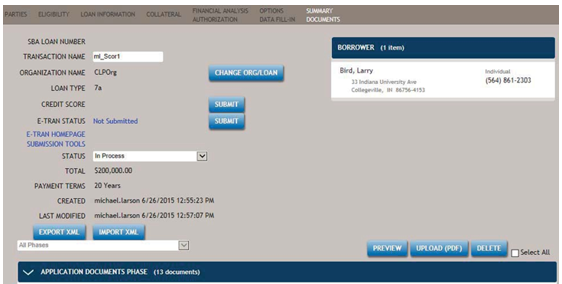
- Select the EXPORT XML button. For Internet Explorer you will be asked if
you want to save or open the file. If you want to examine the file, choose open,
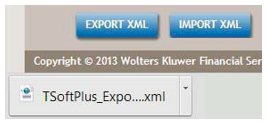
otherwise save the file to the local or network drive of your choice. For Google
Chrome, you will see a small minimized window in the lower left bottom of your
browser.
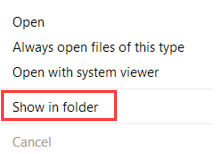
- You can right-click on the minimized Chrome window for more choices. A copy of
the XML file has already been saved to your local drive and you can find the
file by choosing Show in folder from the right-click menu. You can open
the file in a separate Chrome tab to examine it as well.