Updating TSoftPlus
To update TSoftPlus content:
- From the Dashboard page, hover over the menu button and click System
Setup from the System group. The System Settings page is
displayed.Note:The proceeding steps are only accessible to a user with Administrator access. You will not see System Settings as a menu choice if you are running TSoftPlus in a hosted environment.
- Select UPDATE CONTENT. The standard Windows open dialog is displayed.
- Browse your local computer and select the unzipped content file.Note:Content update files have the extension .WKFS.
- Select Open. The content is imported into TSoftPlus. During
installation of the content, a progress bar is displayed. When complete, the
following message is displayed.
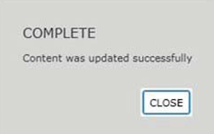
- Select Close to return to the System Settings page.
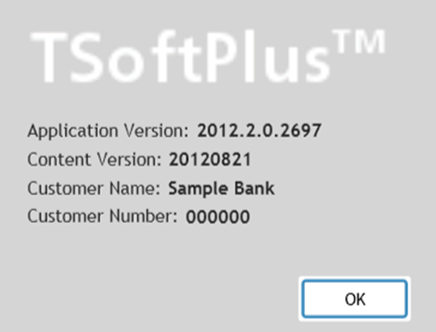
- Verify that the content has been updated by selecting Help, About
from the Main Menu and viewing the Content Version.