Deleting a Transaction
To delete a transaction:
- From the Dashboard, click the VIEW ALL button.
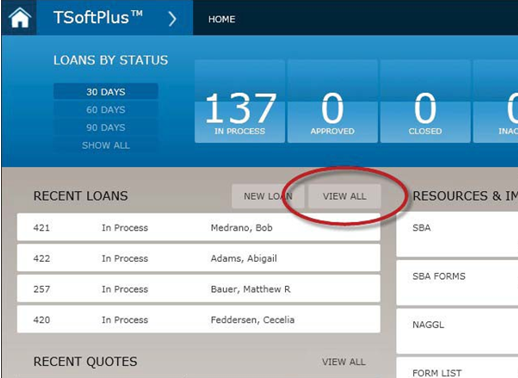
The Transactions screen is displayed.
- Move the cursor over the transaction you wish to delete. The -REMOVE and
+COPY buttons are displayed on the right side of the transaction
listing.
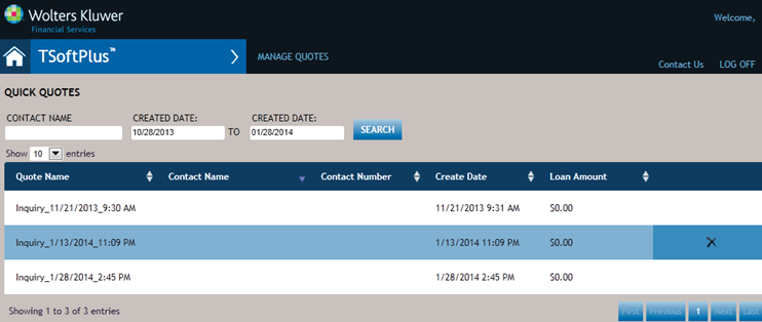
- Click -REMOVE. The buttons are replaced with confirmation buttons.
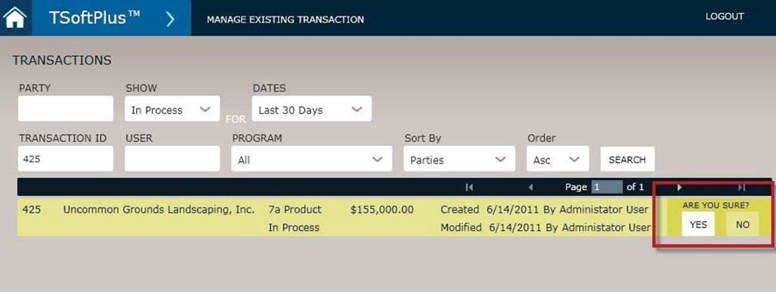
-
Select YES. The transaction is removed from the system.