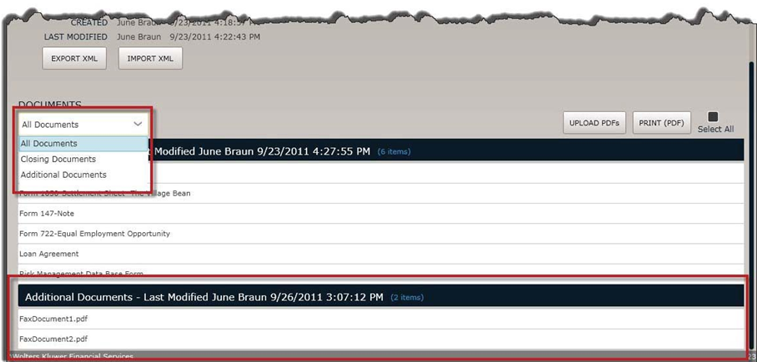
Adding Additional Documents to a Loan
To add additional documents to a loan:
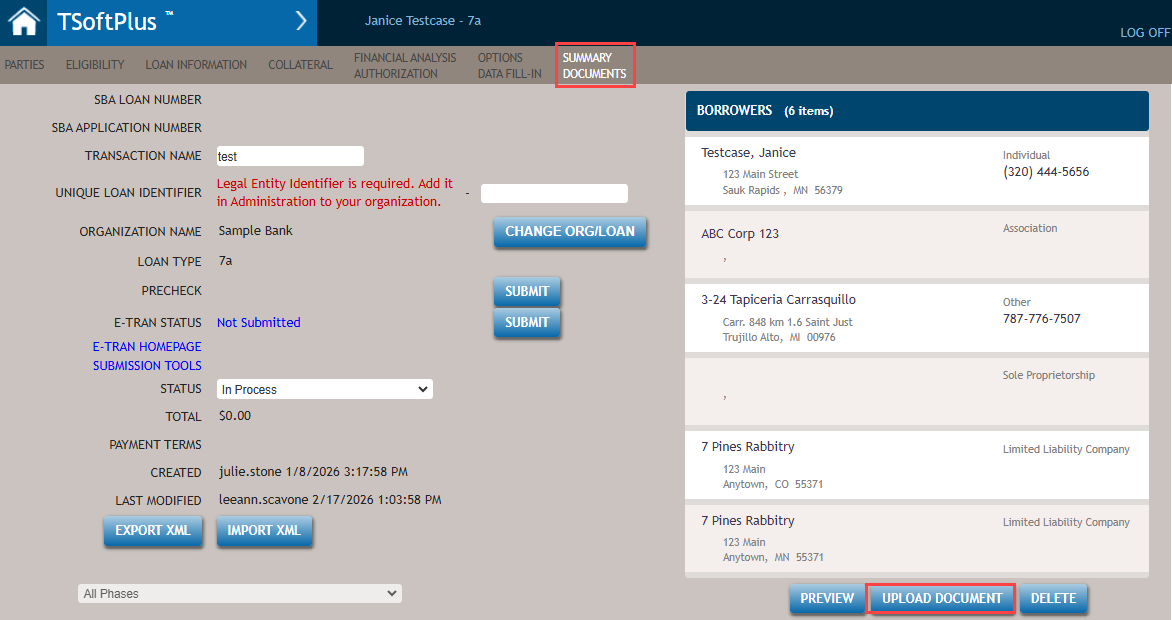
- To diplay the Summary page, select SUMMARY DOCUMENTS from the
Submenu. Select the UPLOAD DOCUMENT button at the bottom of the
page.
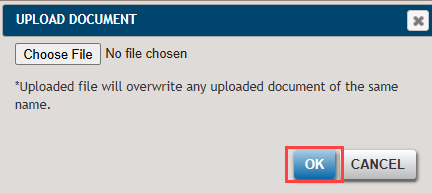
- The UPLOAD DOCUMENT dialog window is displayed.
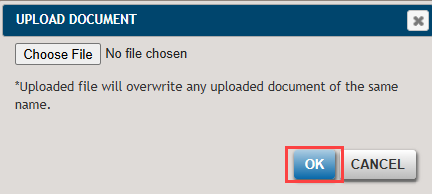
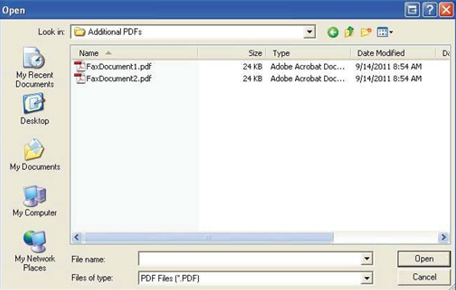
Select Choose File and the Windows Open dialog is displayed.
- Browse and select the documents you wish to add to the loan.
Select OK or CANCEL from the UPLOAD DOCUMENT window.
 Note:
Note:- The maximum size for a file upload is 5MB.
- The Uploaded file will overwrite any uploaded document of the same name.