Combine Guaranty Agreements
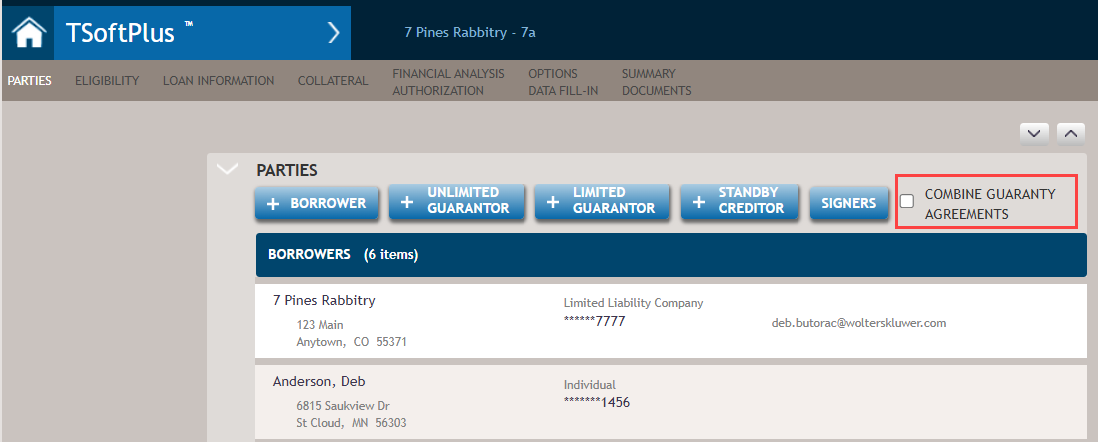
When you add multiple guarantors to a loan, the Combine Guaranty
Agreements option is made visible but is unselected by default.
Note:
Guarantors must be of the same type, that is, all limited or
all unlimited, so they appear on same type of guaranty.
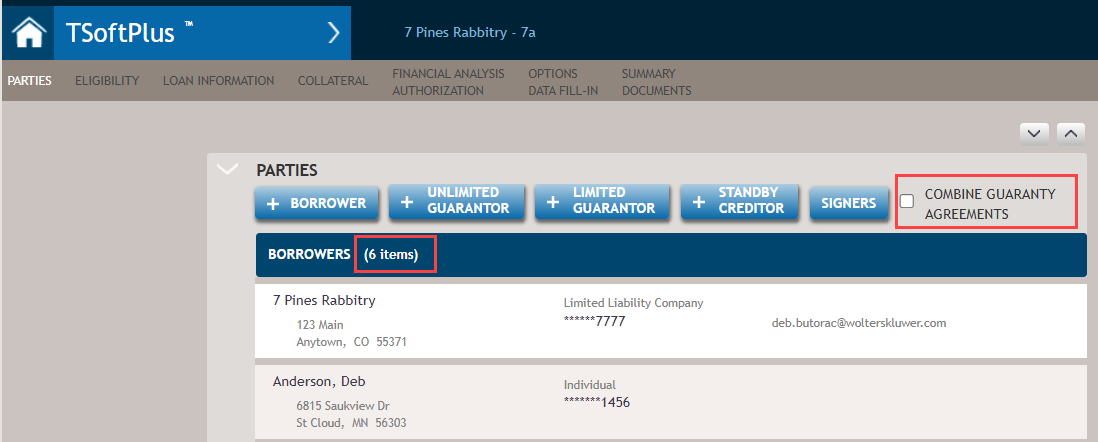
When the Combine Guaranty Agreements check box is selected, each
guarantor item is numerated as shown in the example below.
Note:
Clicking on a guarantor in the list
displays the Party Information popup screen allowing you to edit and save
that party's information.