Adding a Guarantor
Note:
Adding a Sole Proprietor or Individual borrower as a
guarantor is not required.
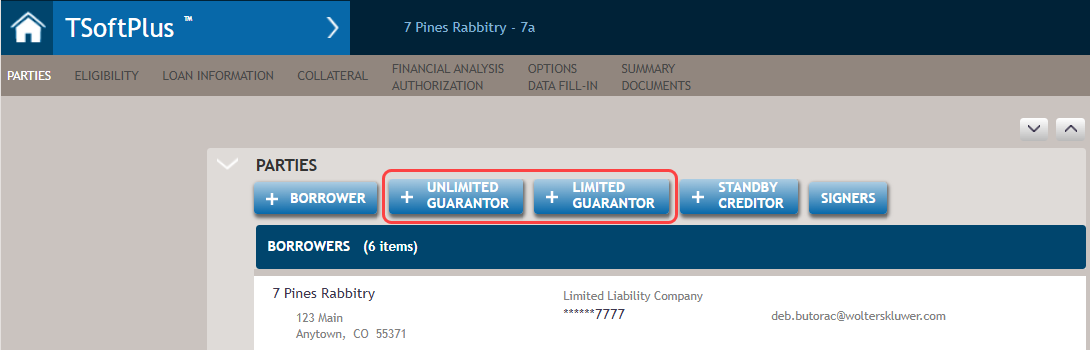
- You can add guarantor information by selecting the +UNLIMITED GUARANTOR
or the +LIMITED GUARANTOR button. These buttons are available on the
Parties page when creating a new transaction or editing an existing
one.
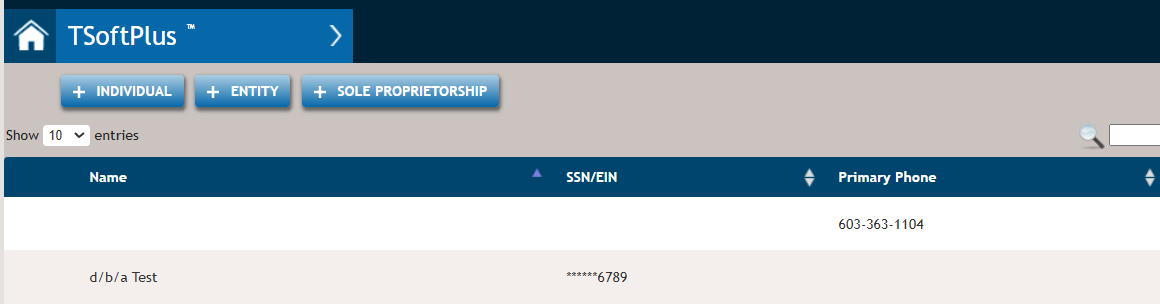
Select an existing party as guarantor or create a new one. The Search capability is present.
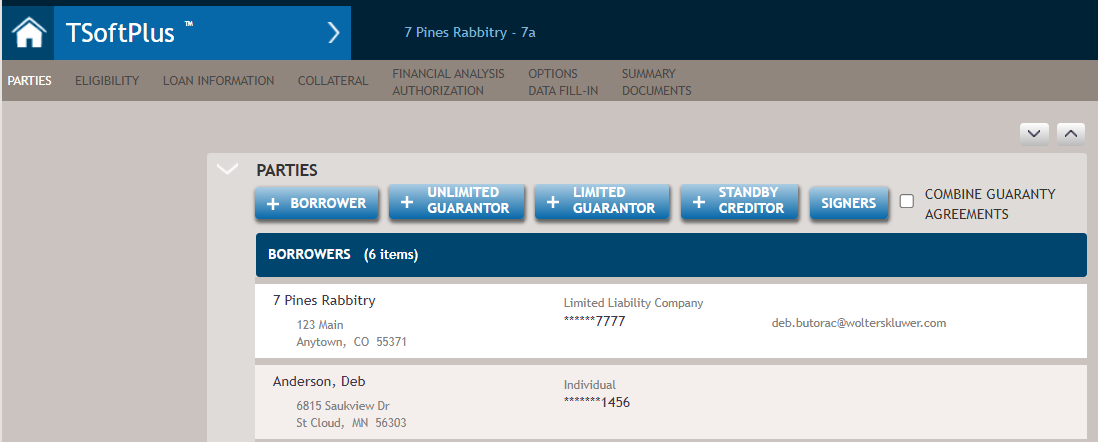
- Selecting a new or existing party returns you to the Loan Parties page
with the selected party displayed as a Guarantor.
 You can:
- Add another guarantor by again selecting +UNLIMITED GUARANTOR or +LIMITED GUARANTOR.
- Remove a Guarantor by hovering over a party and selecting X to remove.