| FirstPage |
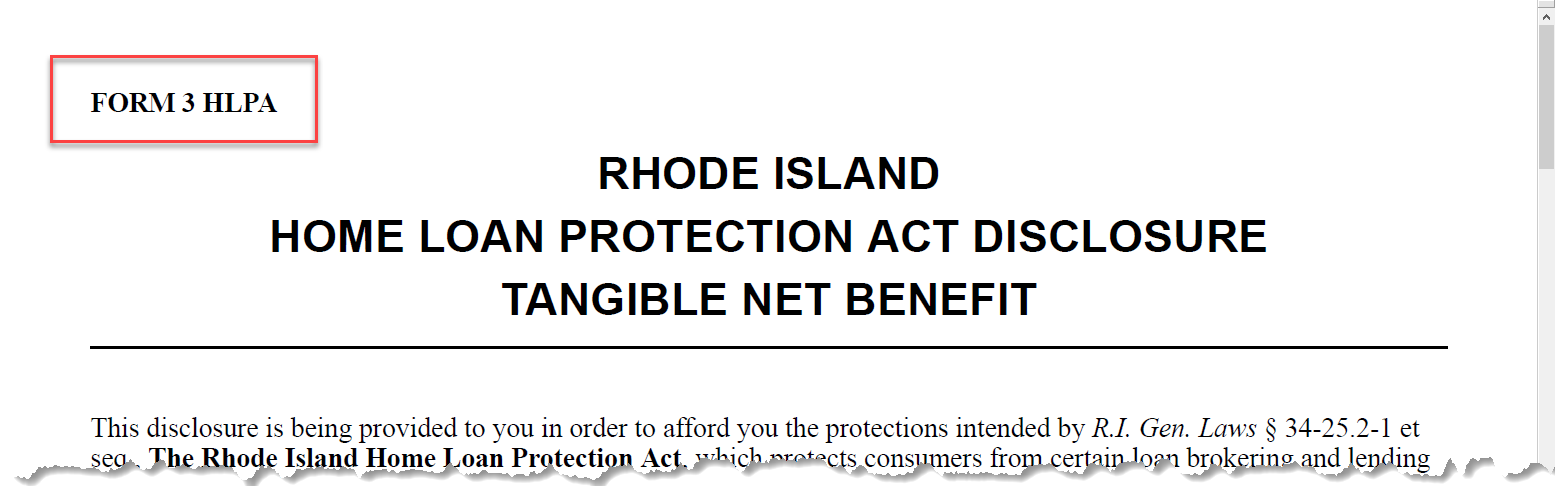
Indicates whether the HeaderNotice appears on the first page of
the document. Options: Yes / No (Default: Yes) |
| Height |
Allows you to set the amount of space to provide for the
HeaderNotice. Ex: .5in |
| LastPage |
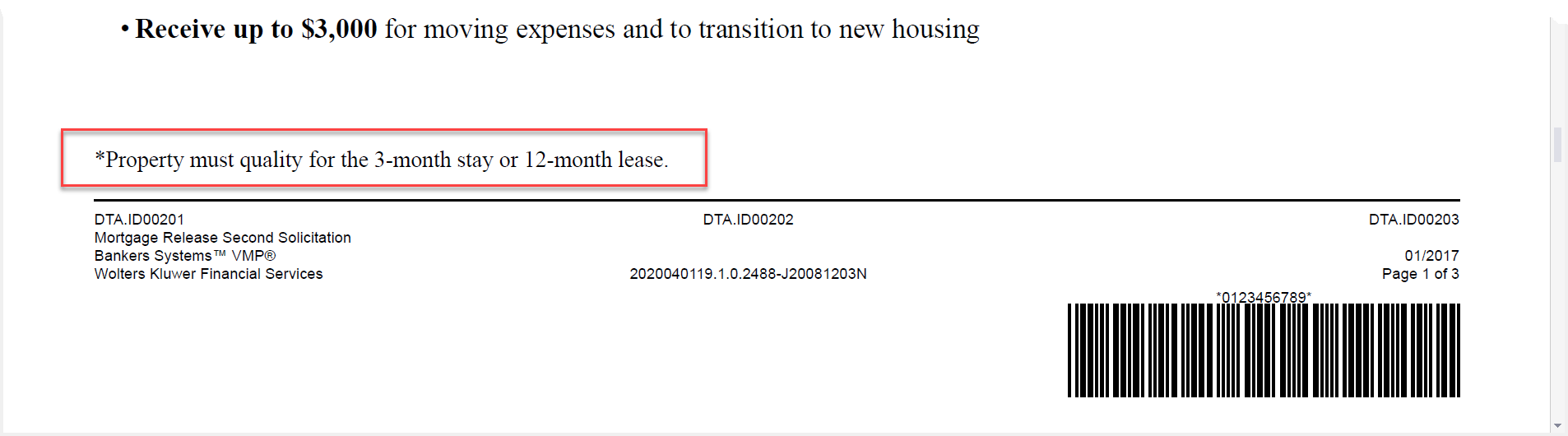
Indicates whether the HeaderNotice/FooterNotice appears on the
last page of the document. Options: Yes / No (Default:
Yes) |
| MiddlePages |
Indicates whether the HeaderNotice appears on the pages between
the first and last pages of the document. Options: Yes / No
(Default: Yes) |
| OnlyPage |
Used to include the HeaderNotice/FooterNotice if there is only a
single page in the document. Note: Using FirstPage, LastPage or
MiddlePages bears no impact on the document if there is only a
single page. |
| profile |
profile is not utilized within Expere REQ documents. |