Troubleshooting
Error Log
While working with REQ files, errors and information from processing issues are presented in the Messages pane. A running log of errors and messages are reatined in the errors.txt file. For more information, refer to Requirements Editor Error Log.
Method not found: '!!0[] Stystem.Array.Empty()
If you recieve Method not found: '!!0[] Stystem.Array.Empty()' error when opening an REQ, verify you have the correct version of .NET on your machine.
3-Way Comparison error
If you receive an error when performing a 3-Way comparison, verify that you have installed Visual Studio 2013 Update 5 and Team Explorer. Both are supplied in the install folders.
Could not load file or assembly
Could not load file or assembly 'XmlNotepad, Version=1.0.0.0.0, Culture=neutral, PublicKeyToken=null' or one of its dependencies. The system cannot fine the file specified.
- Uninstall the Requirements and Content Editor application.
- Remove the following folder and all items within: C:\Program Files (x86)\Wolters Kluwer\Requirements Editor 3\
- Install the latest version of Requirements and Content Editor.
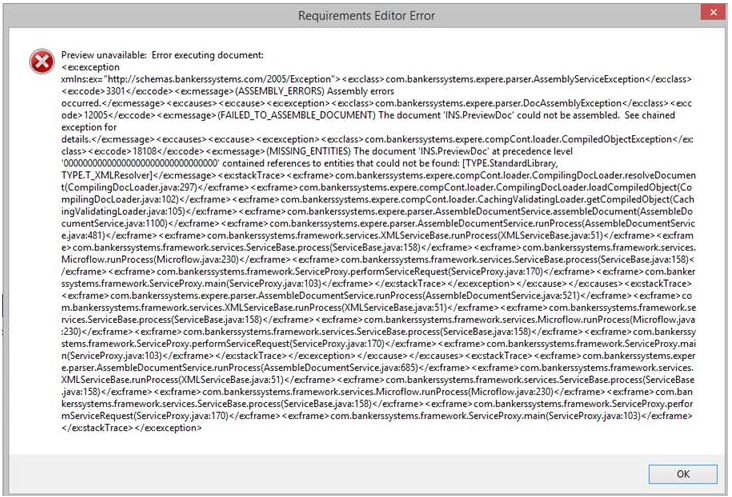
Preview unavailable: Error executing document