Adding Background Color to Table Elements
- table
- column
- row
- entry
To add a background color to a supported table element:
-
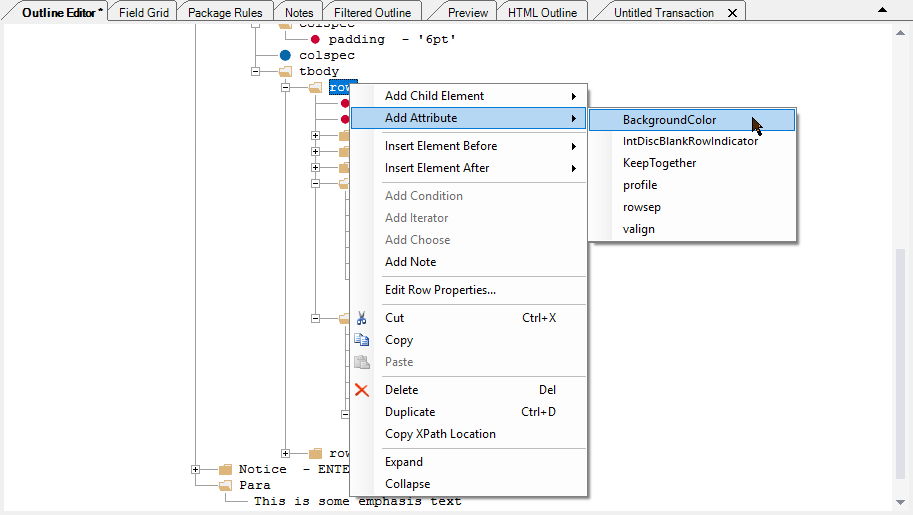
Right-click the desired table element and select .
The BackgroundColor attribute is added to the element without a value, as shown below.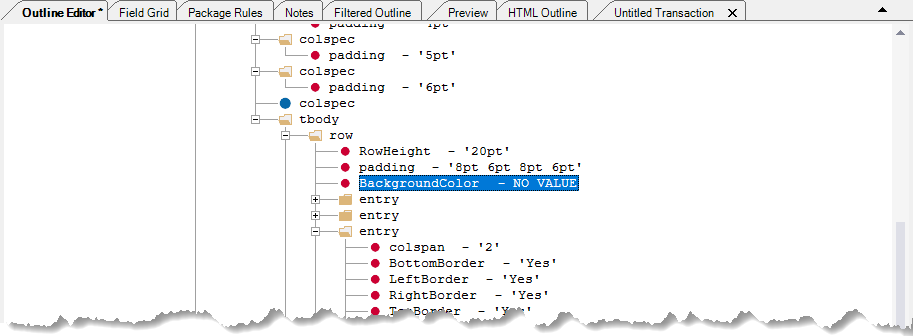
- Double-click the text "NO VALUE" to open the editor.
-
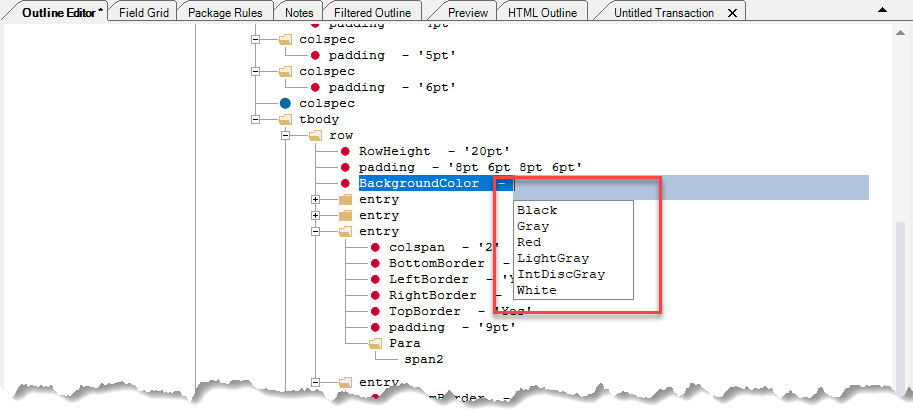
Select the desired value from the list of configured colors. Optionally, you
can enter a HEX color code using the format
#RRGGBBusing integers between 00 and FF.