Adding Padding to Table Elements
- table
- colspec
- row
- entry
To add padding to a table element:
-
Within the Outline Editor of a dynamic
requirements file, right-click the element to which you wish to add padding and
select .
The padding attribute is added to the element without a value, as shown below.
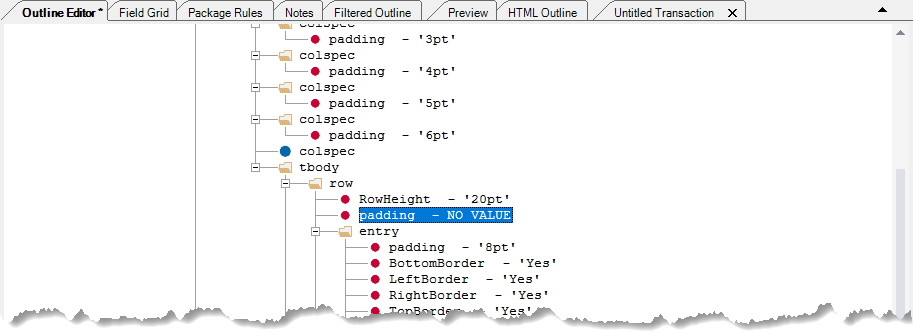
- Double-click the text "NO VALUE" to open the editor.
- Enter the desired amount of padding using a string of four spaced points. Example: 6pt for a single value applied to all sides or 8pt 6pt 8pt 6pt for each side individually. Note that the order of the values correspond to the top, right, bottom and left sides of the element respectively.