Loan Information Screen
Selecting LOAN INFORMATION from the menu opens the Loan Information screen, which displays all calculations related to the selected loan.
All sections are expanded by default, which allows for immediate viewing of all the information.
Summary Button
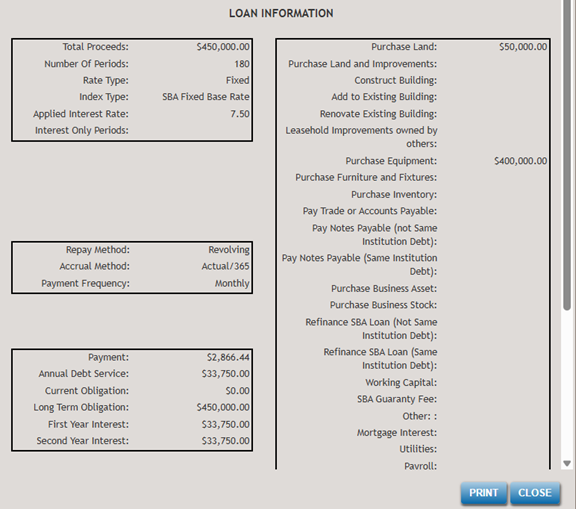
Located in the top-left corner of the screen, the SUMMARY button opens a pop-up window that provides a summary of the loan term and related loan information.

The PRINT button allows you to send the information displayed on the screen to a printer.
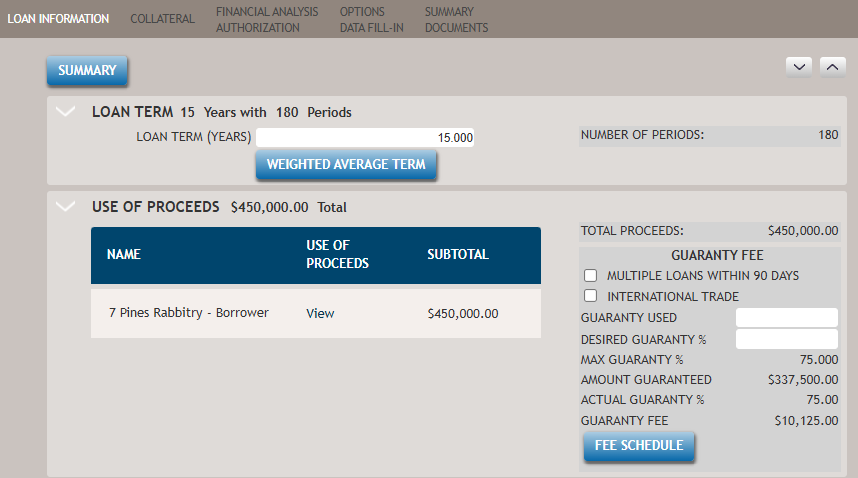
The first sections are the Loan Term and Use of Proceeds.
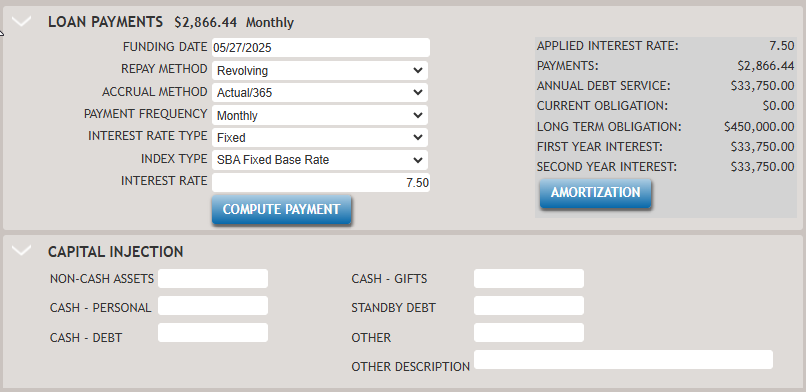
The next two sections are Loan Payment and Capital Injection.
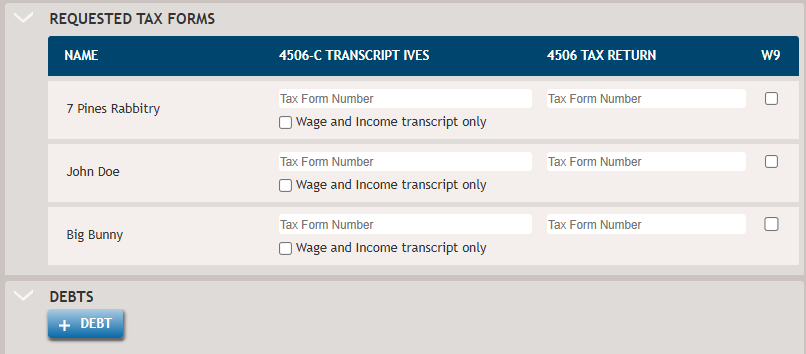
Then the Requested Tax Forms and Debts sections.
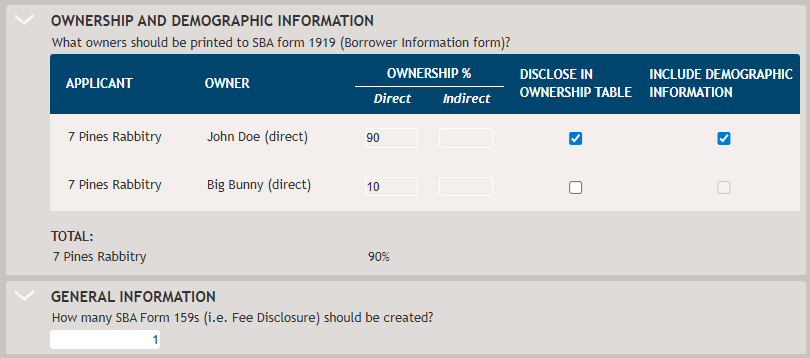
The last two sections are the Owership and Demographic Information, and General Information