Converting a Quote
This procedure explains how to convert a quote to a loan.
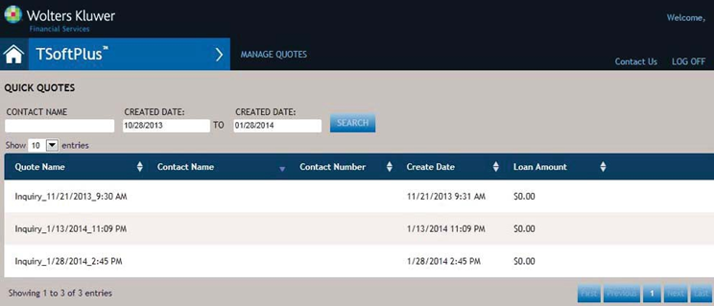
- Within the Quick Quotes section of the main menu, select MANAGE EXISTING
QUOTE. The Quick Quotes screen is displayed.
- Either:
- Enter criteria in any of the search fields and select Search to limit the number of transactions displayed, or
- Browse through the list of all transactions by using the page navigation
buttons.

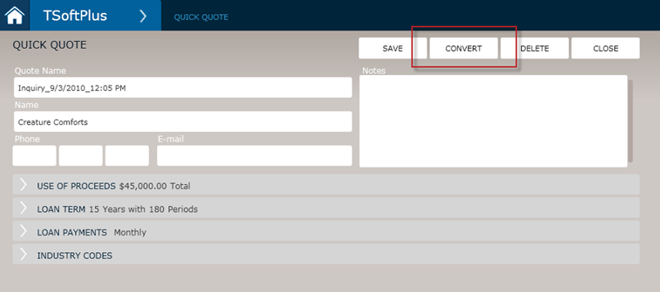
- Select the desired quote. The selected quote is displayed in the Quick Quote screen
- Select CONVERT.
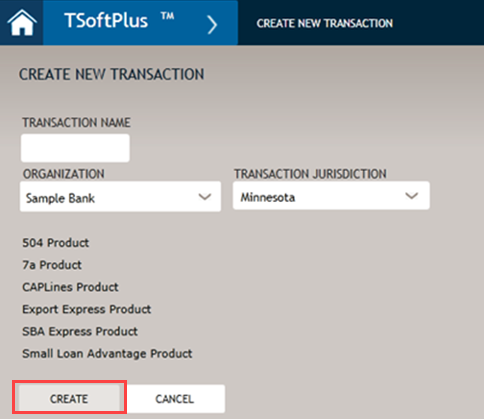
- Enter the information you need to convert the quick quote into a new transaction
and select CREATE.
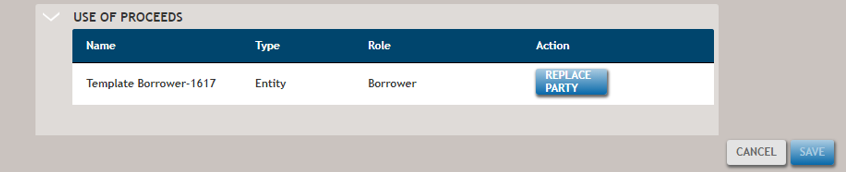
- Replace the template party with a real one and select SAVE.