Add Individual Page
The Add Individual page allows you to create a new individual party.
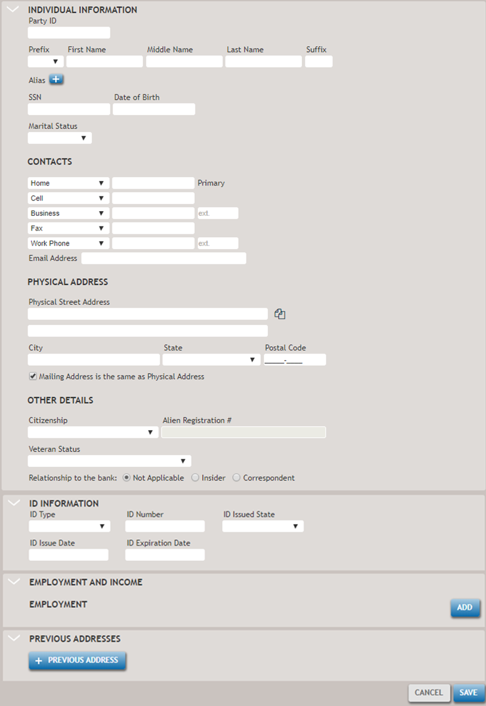
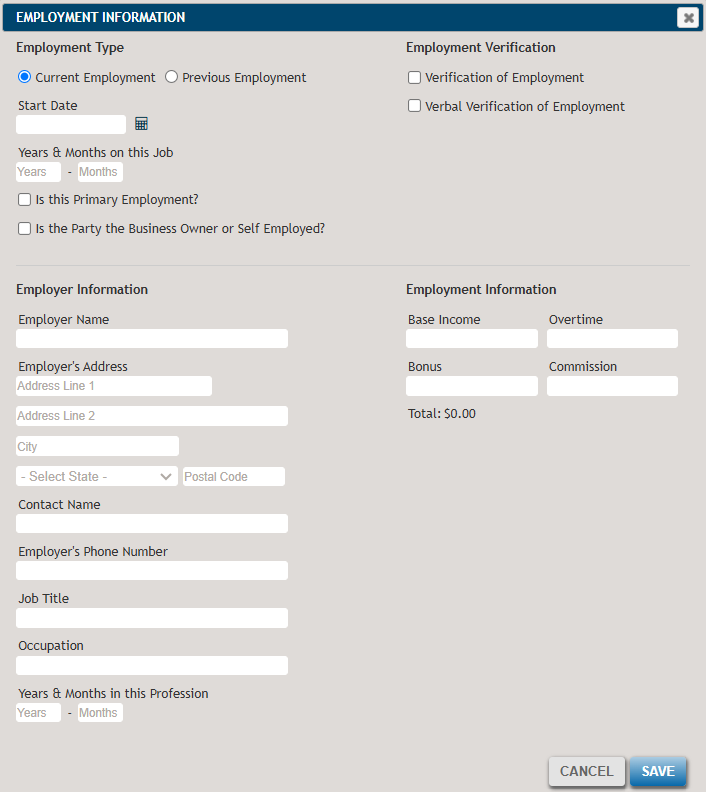
To add employment information, select Add button under the Employment and Income section. This will open the employment information screen.
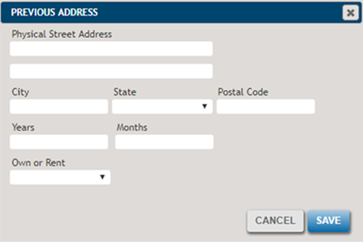
Selecting the +Pervious Address button brings up previous address details.
The section below highlights some of the less commonly used features you might find helpful.
- Not Applicable / Insider / Correspondent
- Allows you to classify the party as an Insider, a
Corresponent, or Not Applicable. Selecting Insider or
Correspondent will display options for Type and
Title for each.
 Note:The Insider/Correspondent fields are related to Regulation O, Guidelines for Banking Relationships with Executive Officers, but the SBA does not currently use them.
 - ID Type
- If Other is selected from the dropdown list, a new field will appear to enter a description. The other options for this field includes a driver's license, military ID card, passport, state ID, and immigration documentation from the U.S. Citizenship and Immigration Services (USCIS).
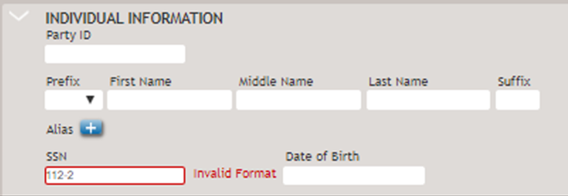
If any fields contain invalid information when you leave the field or select Save, a notification will appear, as shown in the following example.