Add Entity Page
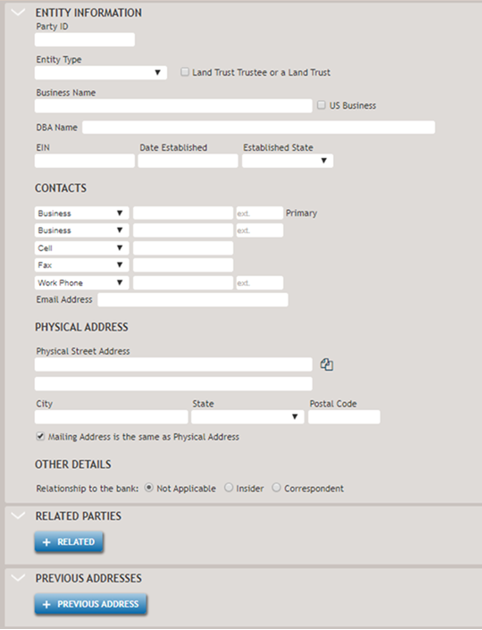
The Add Entity page allows you to create a new Entity party.
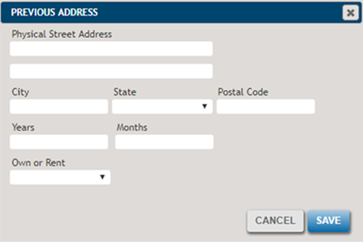
Selecting the +Pervious Address button will display the details of the Previous Address fields.
The following list describes some of the less common features.
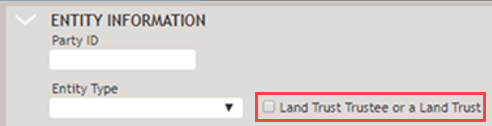
- Land Trust Trustee or a Land Trust
- If the checkbox is selected, the party is a land trust (A party is either a land
trust trustee or a land trust).
- Not Applicable / Insider / Correspondent
- Allows you to classify the party as an Insider, a Corresponent, or
Not Applicable. Selecting Insider or Correspondent will
display options for Type and Title for each.
 Note:The Insider/Correspondent fields are related to Regulation O, Guidelines for Banking Relationships with Executive Officers, but the SBA does not currently use them.
 - Copy icon
-

Copies address information from an existing party to the new or modified party.

- Allows you to associate an existing party.
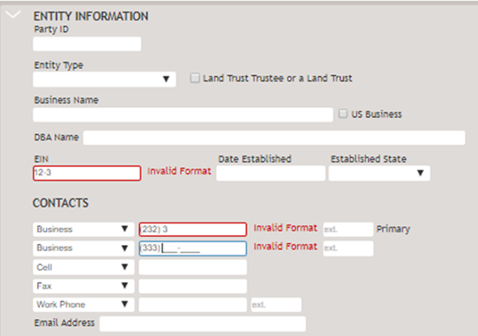
If any fields contain invalid information when you leave the field or select Save, a notification will appear, as shown in the following example.