Searching for Libraries
- Navigate to the MANAGE LIBRARIES page.
- By default, the list of available deployed libraries appear; select an alternative Library Status from the corresponding dropdown if necessary.
-
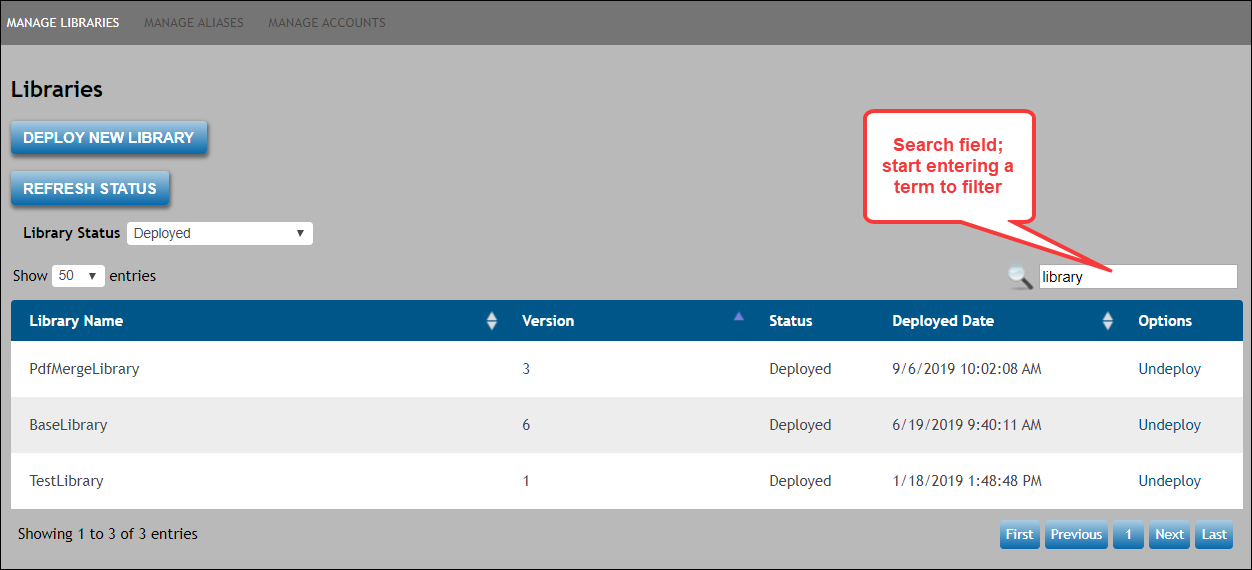
In the search field directly above the list of libraries, begin entering either
a library name or version to immediately filter the search results.