Adding Account Permissions
By default, the Owner Account entered in the Deploying New Libraries task is an Allowed Organization.
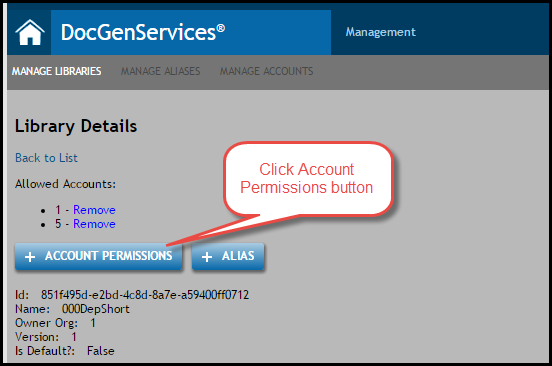
Users must add an Account ID for the each organization that will be allowed to access the library.
Note: When a new library is deployed and the version is updated in the existing aliases, users account permissions are updated with existing access.
- From the list of libraries, select the name of the library.
- Click Details.
- Click Add Account Permissions.
- Enter the Account ID and click Add.
See Also: Removing an Account from a Library