Updating Aliases by Library
This topic explains how to redirect one or more aliases between libraries through the Update Aliases by Library page.
- From the MANAGE ALIASES page, select Update Aliases by Library.
-
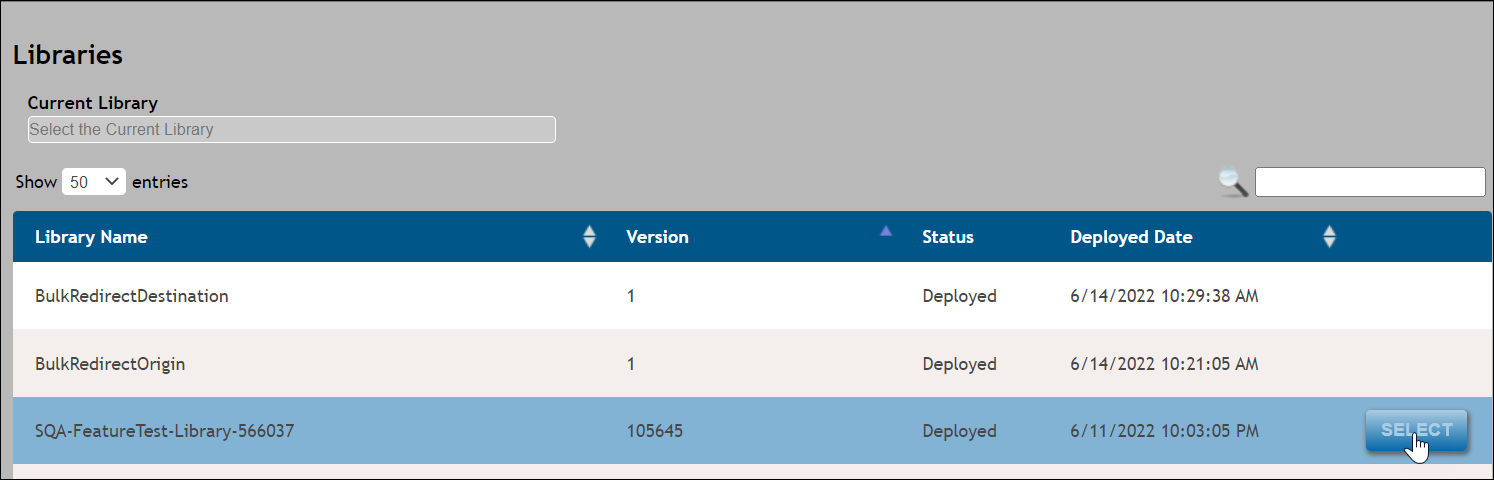
From the Libraries page, select a Current Library by hovering
over a library from the table below (e.g. Library Name column) and click
the SELECT button that appears. This library will appear in the
Current Library field.
-
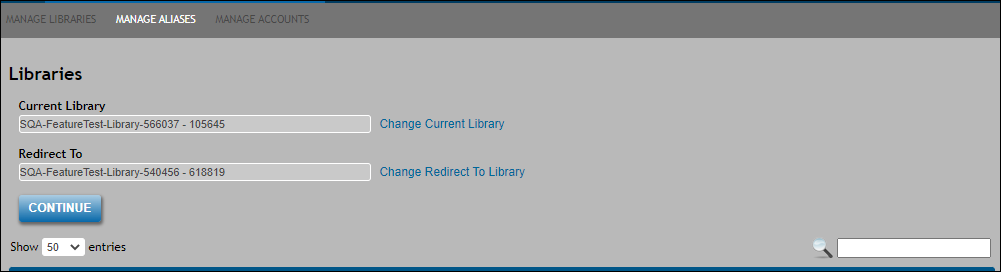
Select a Redirect To library by hovering a second library from the same
table and click the SELECT button that appears. This library will appear
in the Redirect To field.
-
Click CONTINUE to display the Update/Redirect Alias page. Click
the UPDATE to update the aliases and display the following message:
Selecting Update will repost organizations, products, policies, packages and packets for the accounts using the selected aliases in EZ Config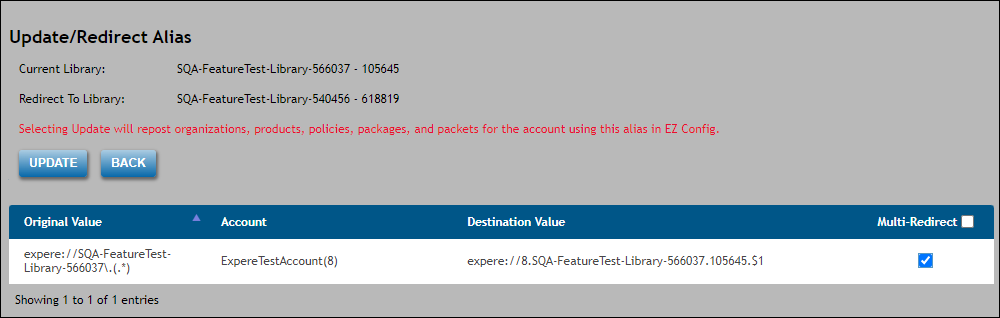
Note: To redirect multiple aliases, click the Multi-Redirect checkbox.