Copying Libraries
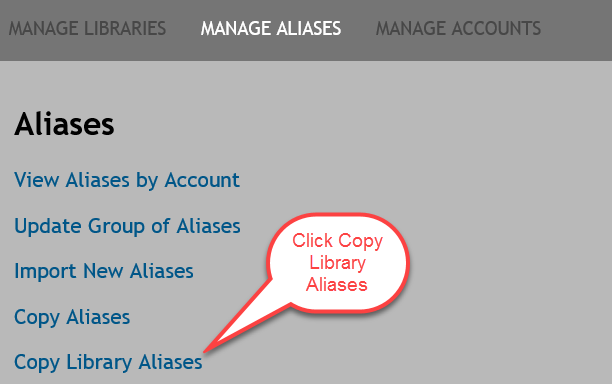
- From the Manage Aliases page, click Copy Library Aliases.
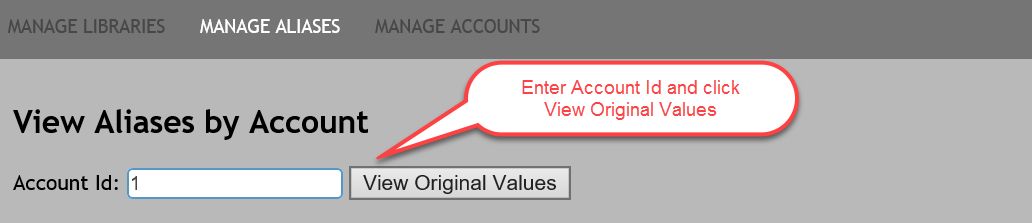
- The View Aliases by Account page appears; enter the Account ID in the corresponding field. Click View Original Values.
- The Copy Library Aliases page appears; select the Current Original Value to enable the additional fields on the page.
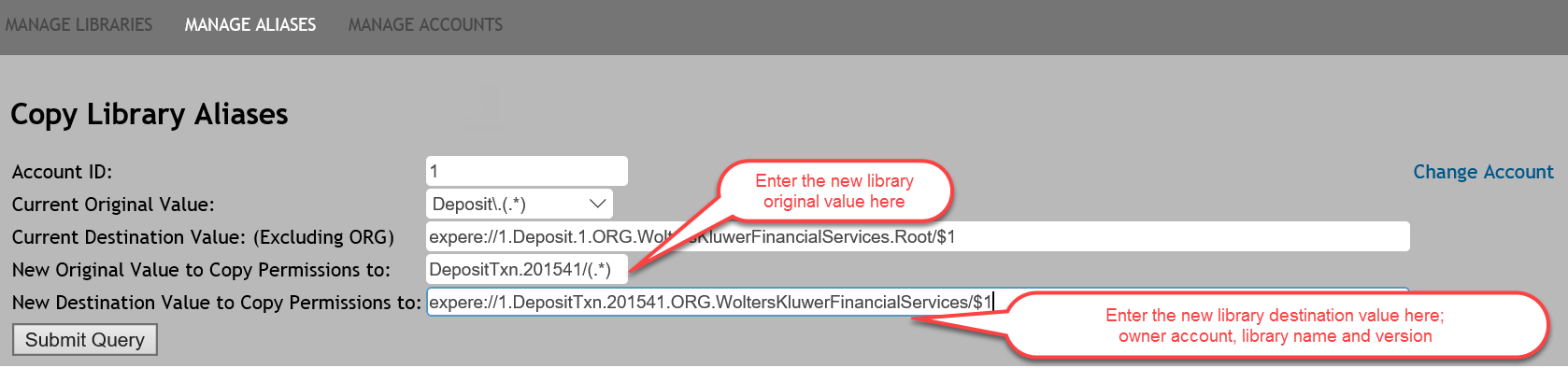
Note: Click Change Account to change the Account Id. - Enter a value in the New Original Value to Copy Permissions to: field. The end of the value should include /(.*) or \(.*).
- Enter the New Destination Value to Copy Permissions to: field.
- Click Update Aliases. All accounts that had access to the current library will be granted access to the new library and aliases will be created.