Undeploying a Library
This section explains how to undeploy a library.
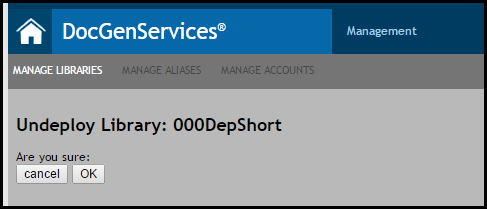
- From the Manage Libraries tab, select the desired library.
- The following options appear:
- Undeploy
- Details; see Viewing Library Details for more information.
Click Undeploy to display the Undeploy Library: <library name> page for that particular library. - A list of associated accounts and aliases will appear with the library. Click OK under Are you sure: to undeploy the library; click Cancel to return to the Manage Libraries page.
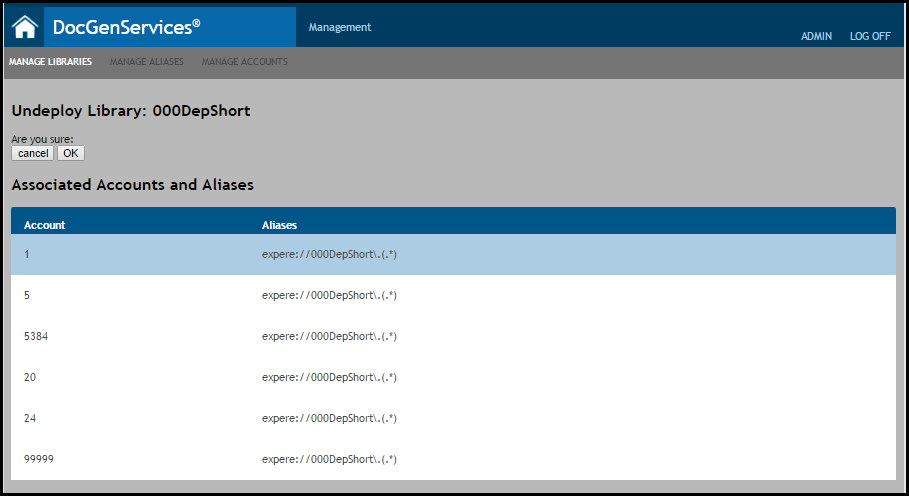
Note: If the library is associated to an EZ Config account, the following warning is displayed:Library is used by EZ-Config. Deleting this Library could remove data setup in EZ Config. Please confirm EZ Config will not be impacted prior to deleting.
The library and all associated accounts and aliases are now removed from the system and appear as Removed in the active list on the Manage Libraries page.