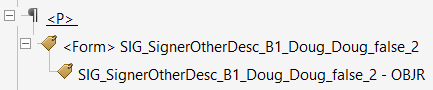
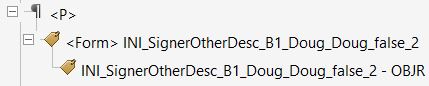
Electronic signature (and e-signature initials), and eSignature date fields are
tagged properly for accessibility. When configured properly, a corresponding Tooltip for
eSignatures and/or eInitial fields are created automatically when the PDF is generated.
See Customizing Electronic Signature Tooltip to configure eSignature tooltips. This option allows the
screen reader to read the ToolTip text out loud. This provides unsighted readers an
audible queue that they have reached a signature or initial field.Figure 1. eSignature Figure 2. eInitial
Note:
To suppress accessibility tags from being generated for
e-Signature Date fields, the
com.bankerssystems.expere.render.eSignatureDateSupport=true
setting in the bsi.properties file should be set to ‘false’. For more
information on using bsi.properties, see bsi.properties -
comprehensive overview. Hosted users can pass in a
eSignatureDateSupport="false" value within a
transaction request.
A Tooltip with text description ‘Date’ will automatically be
created if the eDate property is supported (the property is set in the
bsi.properties file or passed in the transaction request by Hosted users).
This is done to resolve errors with accessibility checker which requires all
form fields to have a text description (Tooltip).