Product Details
The Product Details page is used to collect various data items for the selected product.
The Product name displays at the top of the page. The associated Content Source Alias and Line of Business names are also included at the top of the page to help identify the product being worked with.
To change the product name:
- Edit the Product Name field. (Product name is limited to 255 characters.) The system will display a message if you have entered a duplicate name, and you will not be allowed to save until you edit the name to avoid duplication.
- Click Save to save your changes. Or click Cancel to abandon your changes and return to the Product List.
To enter product detail information:
Use the Document Options section to define default data for the selected product. This section contains the default data points defined for your organization. Use this section to enter or modify the data, as necessary.
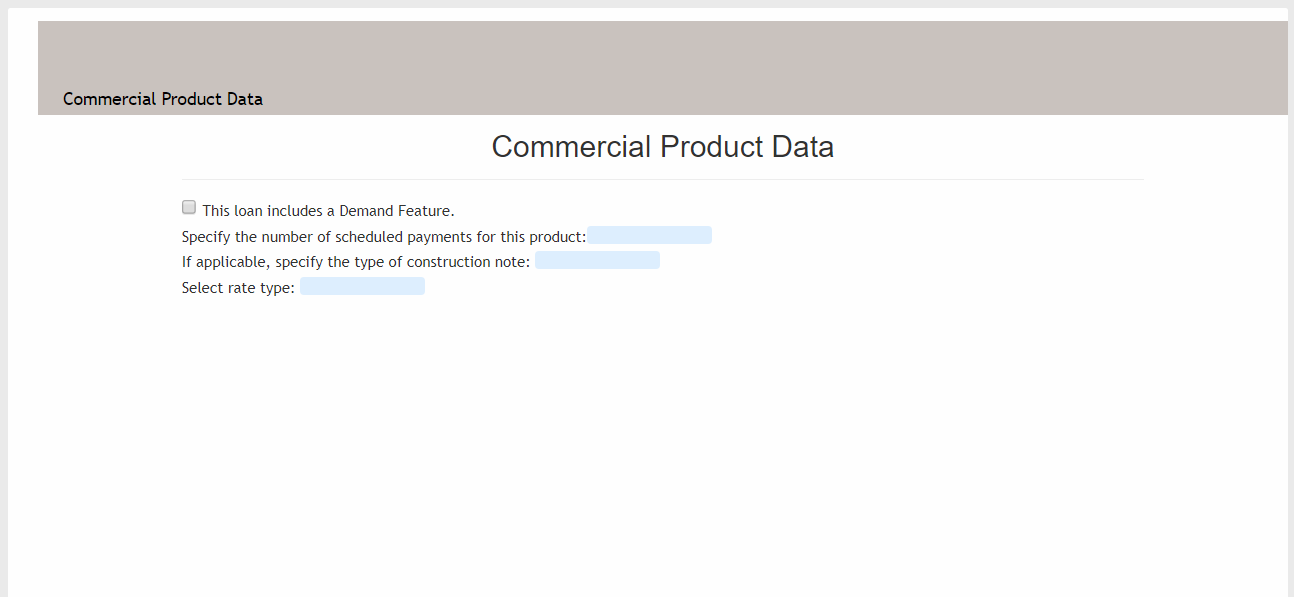
- The default data setup displays for the selected document. As you scroll through
the document, you will see the available data points for modification. Use these
fields to define your data points. Note: For custom text fields, enter the user-defined text either in the field in the Transaction Data list, or within the document. If no text is entered, the standard Expere definition is used.
- Continue defining data points, as needed.
- Click Save to save your changes or click Cancel to abandon your
changes and return to the Product List. Note: If you attempt the leave this page without saving your changes, you will be notified and have the opportunity to save your changes before leaving the page.
Working with Data Collection Fields
Applied Policies
The Applied Policies card is used to apply policies to the selected product.
Applied Applicabilities
The Applied Applicabilities card displays the applicabilities for this product. Use this card to access the Assign Policies page, where you can assign applicabilities.