Working with Organizations
What is an Organization?
An organization is comprised of default data that relates to the financial institution. A Default Data organization is a different structure and setup than a Knowledge Base Content Organization. Although they are separate and used for different purposes, both should be considered as defaults set in Default Data, as an Organization is used in conjunction with the Knowledge Base Content during Expere Document Generation request processing.
The type of data that can defaulted for an organization includes information like organization name and address, additional addresses required for various purposes across documents, organization type, legal entity description, etc.
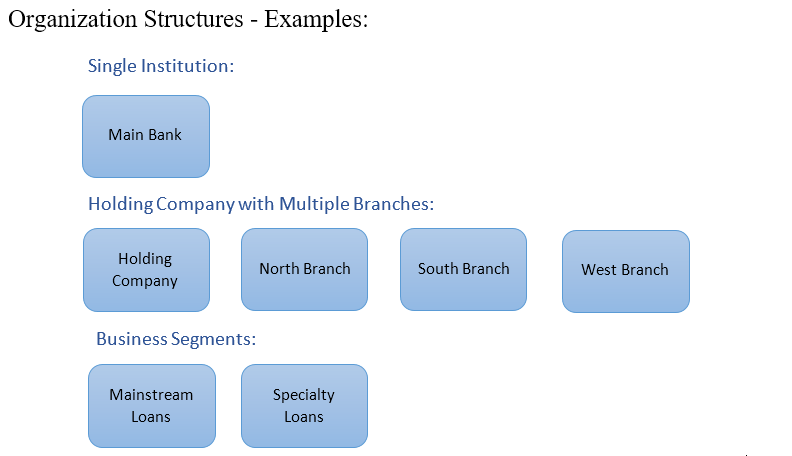
Financial institutions may create one or multiple organizations depending upon their structure and business segments. Organizations need to be created to be able to establish data defaults to address different departments, loan types, branches, or jurisdiction requirements.
Working with the Organization List
The Organization page displays the Account Type, Charter, Insurer Type, and Jurisdictions for the Account. Click Edit to open a window where the Account Details can be modified.
The Organization page displays a list of the organizations that were created for the account selected. Use the column headings (Organization Name, Content Source Alias, Line of Business, Last Updated, or Last Updated By) to sort the organization list accordingly.
- After performing a search, if you use the column headings to sort the displayed records and then clear the Search field, all records are displayed again and sorted alphanumerically by the Name.
- After sorting the Organizations page by Content Source Alias, selecting the Organizations button from the main navigation will reset the sorting to the default alphabetical order by Name.