Organization Details
The Organization Details page is used to collect various data items for the selected organization. The associated Content Source Alias and Line of Business names are also included at the top of the page to help identify the organization being worked with.
To change the organization name:
- Edit the Organization Name field. The system will display a message if you have entered a duplicate name, and you will not be allowed to save until you edit the name to avoid duplication.
- Click Save to save your changes. Or click Cancel to abandon your changes and return to the Organization List.
Use the Document Options section to define details for your organization. This section contains the default data points defined for your organization. Use this section to enter or modify the data, as necessary.
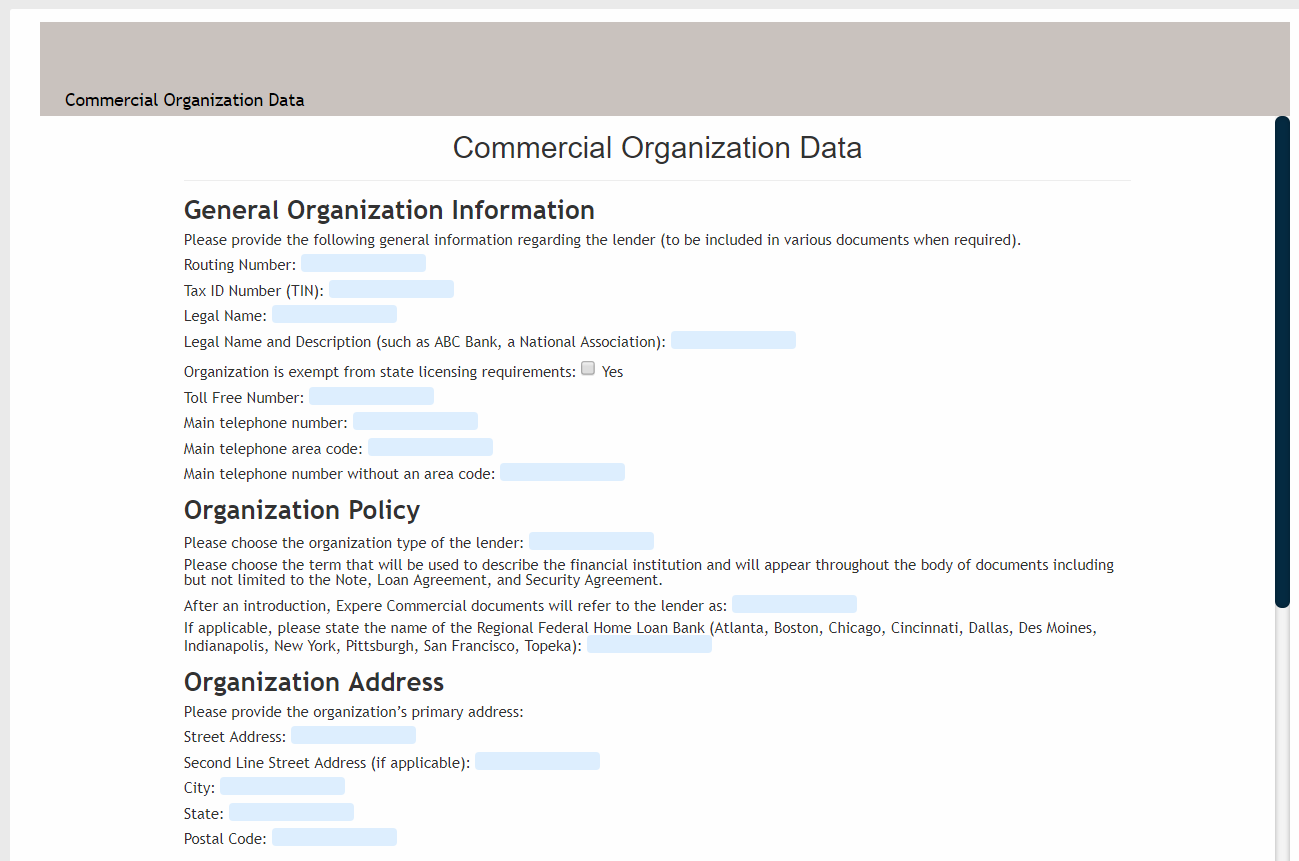
- The default data setup displays for the selected document. As you scroll through
the document, you will see the available data points for modification. Use these
fields to define your data points. Note: For custom text fields, enter the user-defined text either in the field in the Transaction Data list, or within the document. If no text is entered, the standard Expere definition is used.
- Continue defining data points, as needed.
- Click Save to save your changes or click Cancel to abandon your
changes and return to the Organization List. Note: If you try to leave the page with unsaved changes, a popup message will display to prevent you from inadvertantly losing your changes. Click Leave Page to discard your changes and return to the Organization List. Click Stay on Page to return to the page to continue editing and to save your changes.