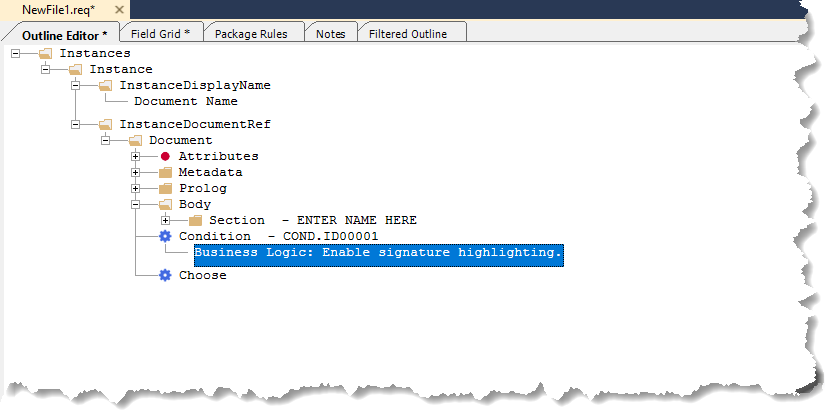
Rules
This section explains how to add rules to an .REQ file within the Outline Editor.
The rules consist of the following:
- Choose
- Conditions
- Iterators
Adding a Choose, Condition, or Iterator
The process of adding a Choose, Condition, or Iterator element are identical. However, when adding a Choose element a Condition is added as a child element of Choose. The following example uses a Condition element.
To add a rule:
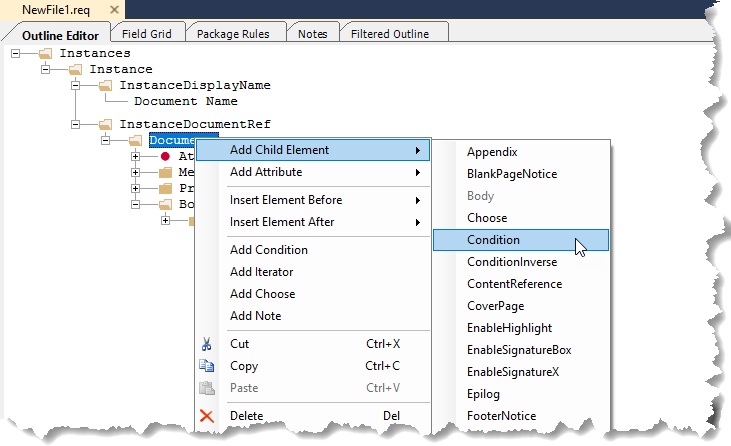
- Within Outline Editor, right-click the desired
parent element for the rule (Document, Body, Section ,etc.) and select .
The new Condition is displayed with its default prompt.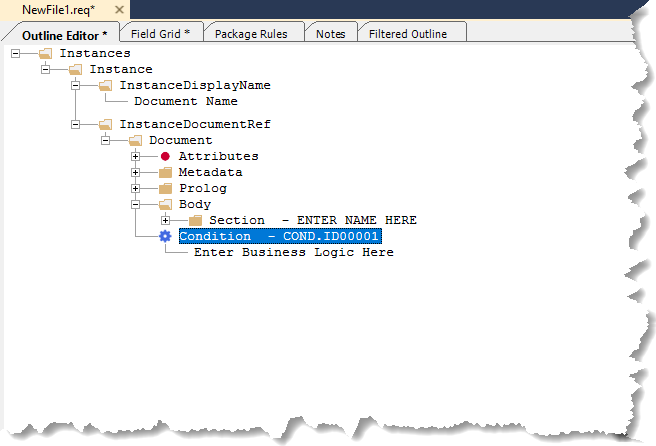
- Double-click the text Enter Business Logic Here
to enter the business rule.
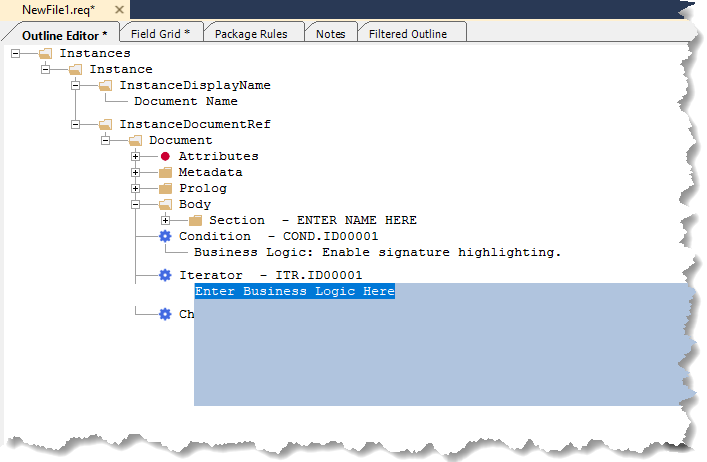 Note: You can also enter the desired business logic using the Business field in the PTR Editor.
 - Enter the text for the business logig and click outside the blue text area
to finish editing.The new business logic is displayed.