Selecting Multiple Items
The following combinations of key and mouse clicks allow you to select multiple elements, attributes or nodes and perform simultaneous actions on your selection.
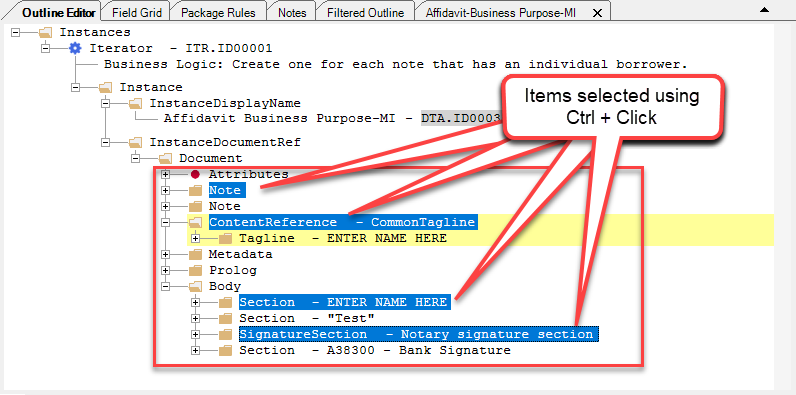
Ctrl+Click
Pressing and holding the Ctrl key and then selecting nodes with the mouse
allows you to select multiple nodes.
Shift+Click
Selecting an item, then pressing Shift and clicking with the mouse selects all consecutive nodes from the first selected node to the last selection.