Restoring an Archive
| What happens when restoring an archive? | The following actions occur when restoring a production archive.
|
To restore a production archive:
- Within PubAssist, select the profile of the associated production content you wish to restore.
-
Select Restore Archive.
The Restore Archive screen is displayed.
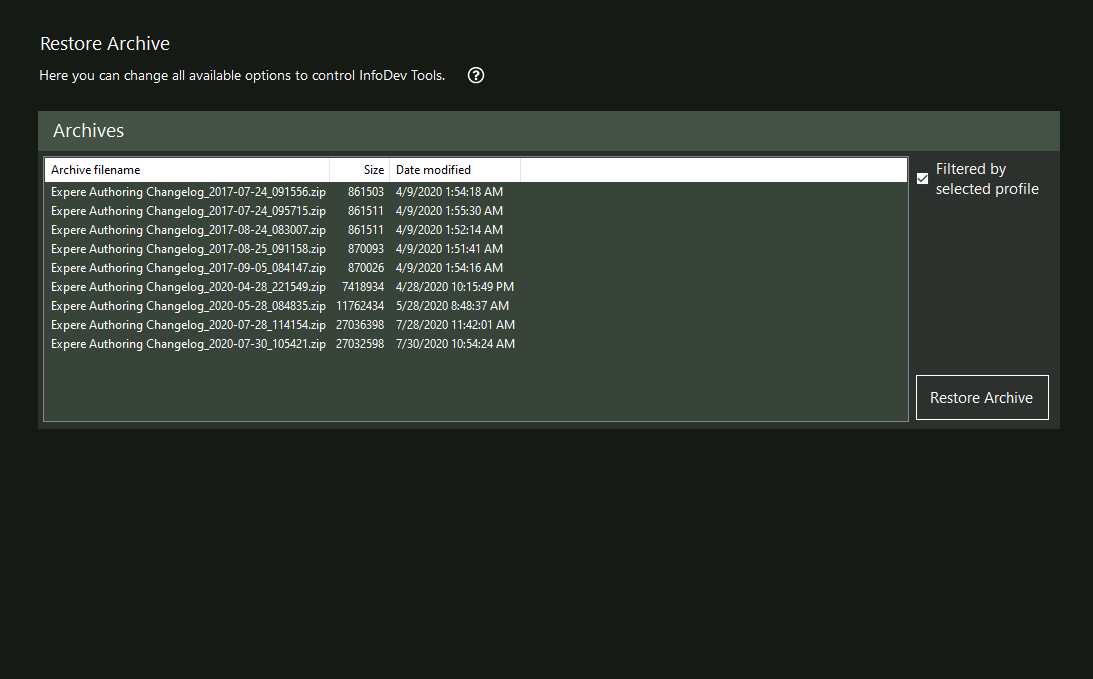 Note: If the option Filtered by selected profile is selected, the list of displayed files includes only those files that include the name of the profile you selected in step 1. To view all archive files, clear this option.
 -
Select the desired file from the list of archives, and then select Restore
Archive.
A confirmation message is displayed providing a summary of actions that will happen when you select its Yes button.
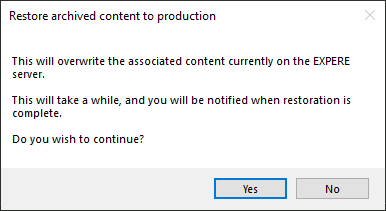
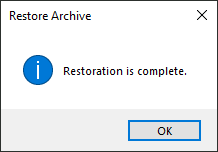
After selecting Yes, the restoration procedure begins and the cursor changes to a wait icon.