Publishing Queue
When you have items in your Publishing Queue, the Open Queue button displays how
many items are queued to be published.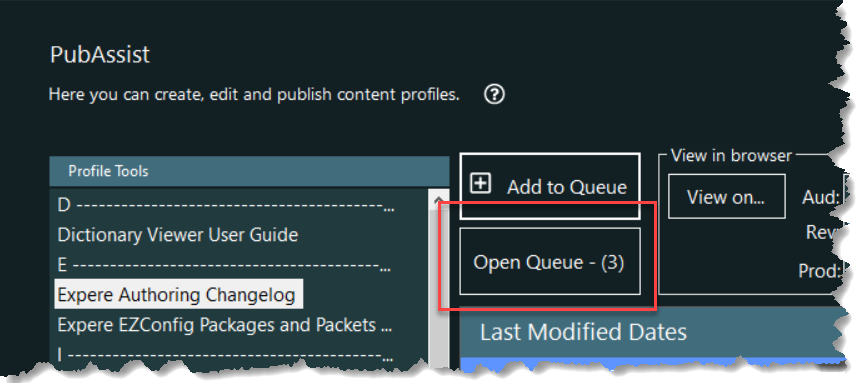
Selecting this button opens the queue.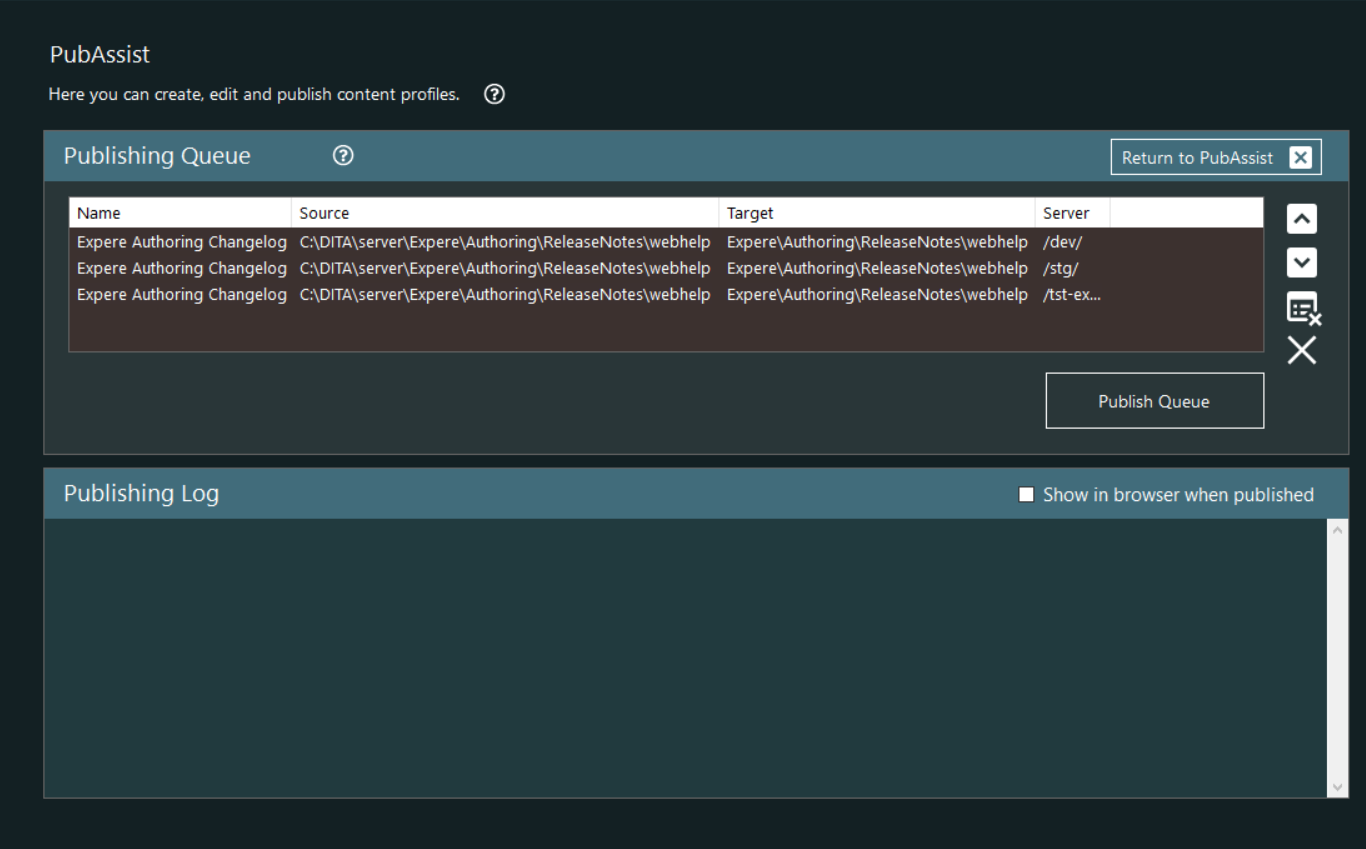
Note: Refer to Publish Single File or Restoring an Archive for details
when selecting each respective button.
Publishing Queue
The Publishing Queue displays the details of the items you have selected to publish.
Each item contains the profile's Name, Source, Target, and Server selected. The
following table describes each feature of the Publishing Queue group.
| Queue list | Displays the Name, Source, Target, and Server selected for each item in queue. |
| Item Up | Moves the selected item up in the queue. If multiple items are selected, only the last item selected is moved. |
| Item Down | Moves the selected item down in the queue. If multiple items are selected, only the last item selected is moved. |
| Delete Selection | Removes the selected items from the queue |
| Clear Publishing Queue | Removes all items from the queue |
| Publish Queue | Publishes all items in the queue. Each item is published
consecutively and a notification is displayed when each item is
successfully published.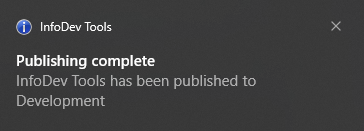 Also, each after each item is published, the Recent Publications list is automatically updated and viewable in the Dashboard after the queue is completely published. |
| Return to PubAssist | Closes the queue and returns to the main PubAssist screen. All items currently in the queue remain. |
Publishing Log
Displays high level publishing information while the items in queue are
published.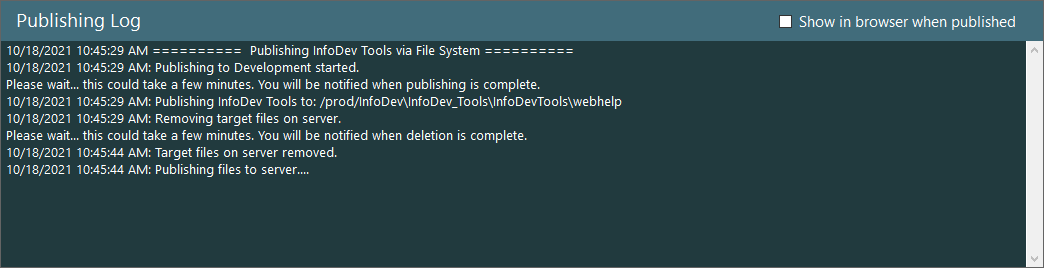
If Show in browser when published is selected, each item in the queue will be displayed in your default browser on the server to which that the item was published. This option can be selected by default within the Settings screen.