Editor
The Editor provides access to viewing and editing the text for specific files used within
IDT.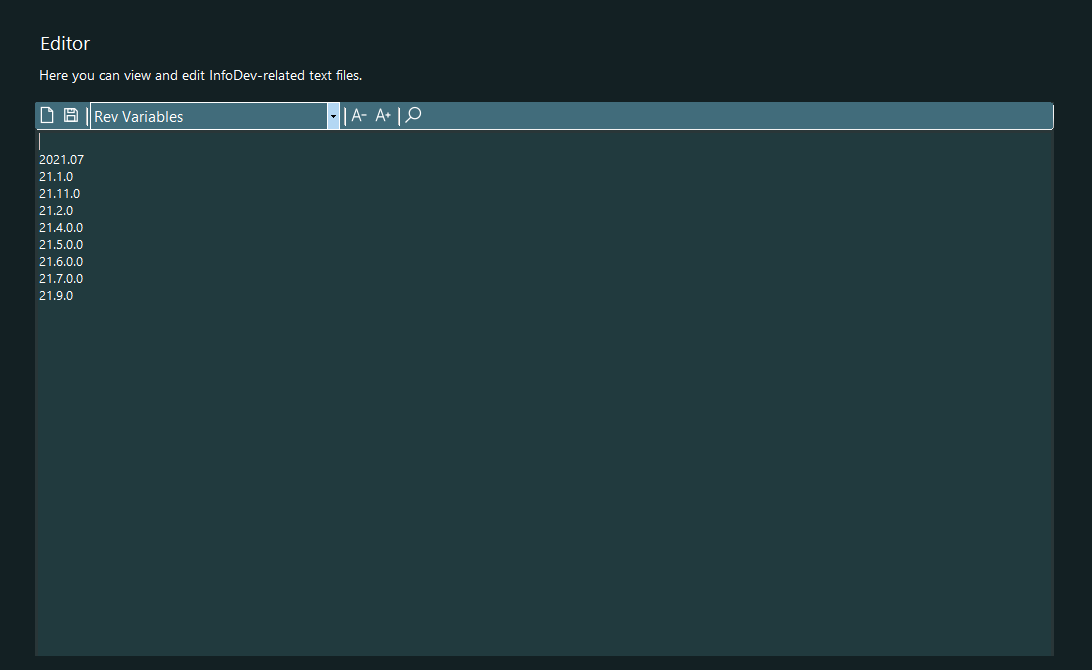
The toolbar provides the following functions.
| File Open (Ctrl + O) | Allows you to open a file of your choosing within the Editor |
| File Save (Ctrl + S) | Saves the file currently open in the Editor |
| Document Selection | Provides quick access to IDT-specifi files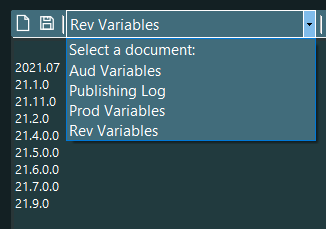 |
| Decrease Font Size (Ctrl + -) | Decreases the font size within the Editor. This font size is retained for future IDT sessions. |
| Increase Font Size (Ctrl + +) | Increases the font size within the Editor. This font size is retained for future IDT sessions. |
| Find (Ctrl + F), (Ctrl + H) | Displays the Find or Replace feature |