Deprecated Items
The Deprecated Items pane is available exclusively for Transaction Tabs. Otherwise, it is disabled. When selected, the
deprecated items are displayed as a list of XPaths. It is available by selecting and also through the standard toolbar in the Windows list.
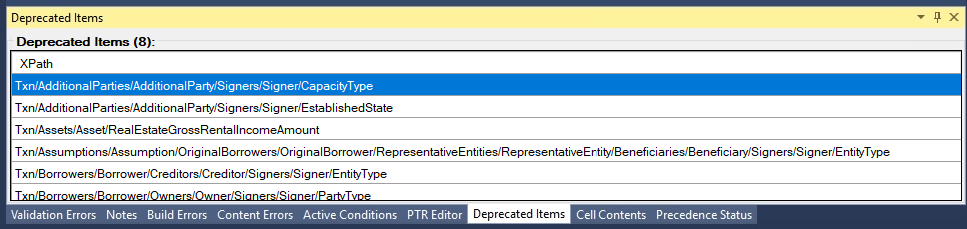
Deprecated enumeration values of a transaction are highlighted yellow in the values
list.

Multiple XPath rows in the list can be selected using the Ctrl and Shift keys. After all desired items are selected, right-clicking a selected row displays a context menu with the option Delete deprecated node(s). A message appears prompting confirmation to delete the selection.