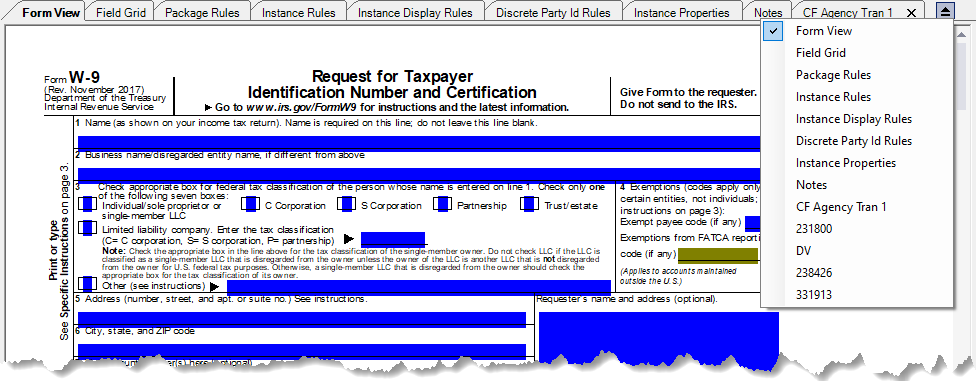
Authoring Tabs
The authoring tabs consist of all tabs that are displayed within the document pane area
of Requirements Editor, as shown below. These tabs provide access to the majority of the
document authoring features. The available authoring tabs for dynamic and static
documents vary and you will notice these differences depending on the type of document
that you are working with.
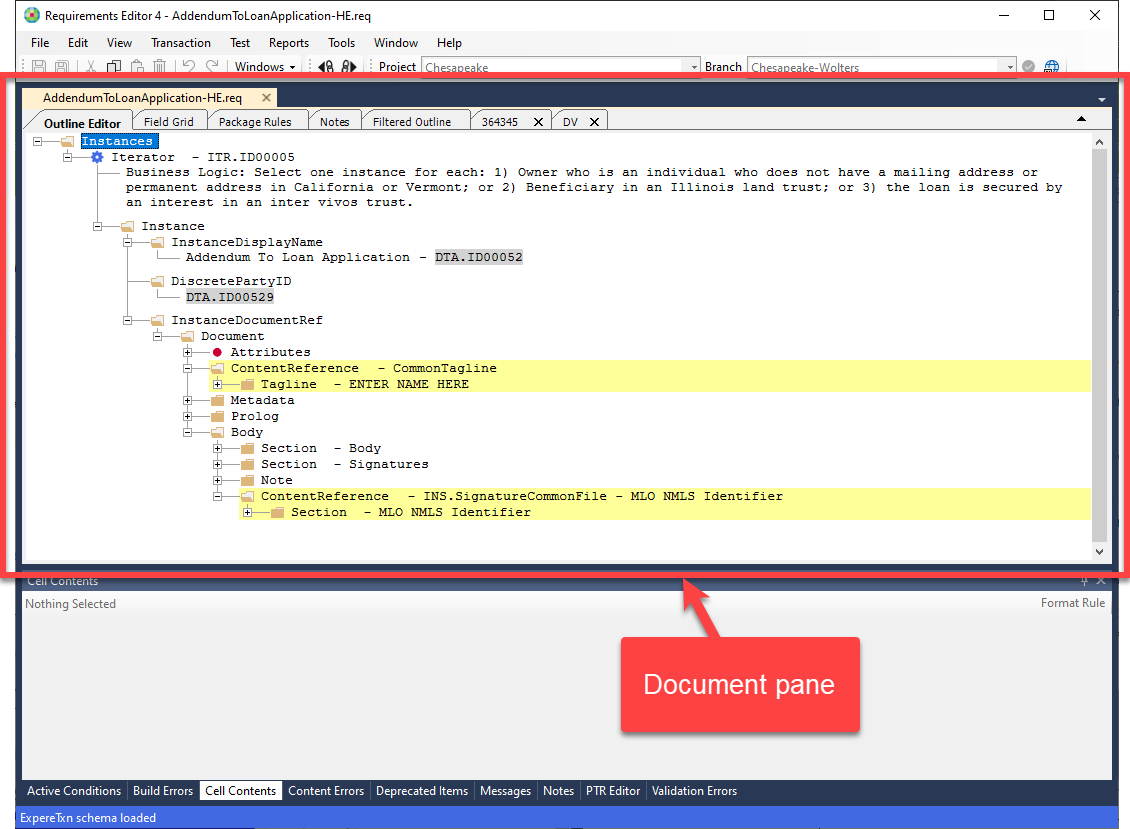
The following authoring tabs are available when a requirements file is opened in the
editor. Each tab shows document information available for authoring as you create a new
document or edit an existing document.
- Discrete Party
- Field Grid
- Filtered Outline
- Form View (Static Documents)
- Instance Display Rules (Static Documents)
- Notes
- Outline Editor
- Outline Instances Tab (PDF Documents)
- Package Rules
- PDF (PDF Documents)
Note: The Outline Editor, Form View, Field
Grid, Package Rules, Notes, and Filtered Outline tabs have a
fixed position and are always visible regardless of the overflow dropdown list
selections. Existing Transaction tabs overflow and are hidden from view if they
exceed the space available within application window.