About the Interface
The Requirements Editor is built on a Visual Studio framework and incorporates many of the navigation features available in Visual Studio. The visual experience is highly customizable but centers on a group of menu items, toolbars, and windows.
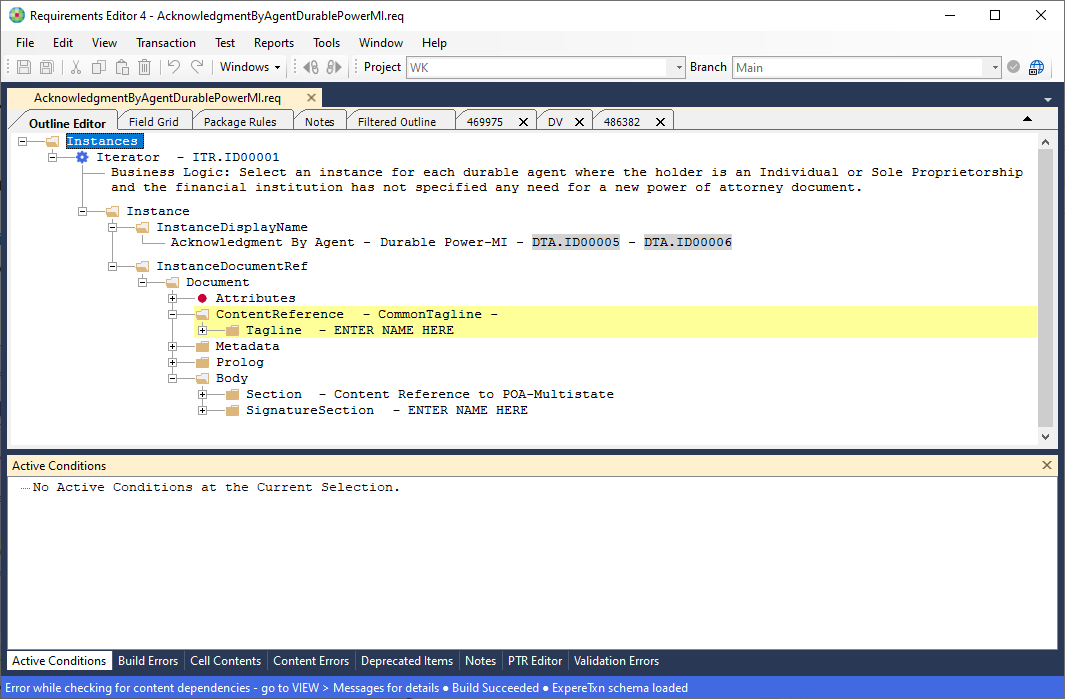
Menus
The Requirements Editor menu bar provides access to all of the features available in the application. Each menu item is context sensitive meaning that options are enabled and disabled depending on where you are in the application and the features available to you based on the Requirements Editor edition and advanced features you have installed. For more information, refer to Menus.
Toolbars
Requirements Editor provides a standard toolbar and additional toolbars specific to features available to you based on the Requirements Editor edition and advanced features you have installed. For more information, refer to Toolbars.
Document Pane
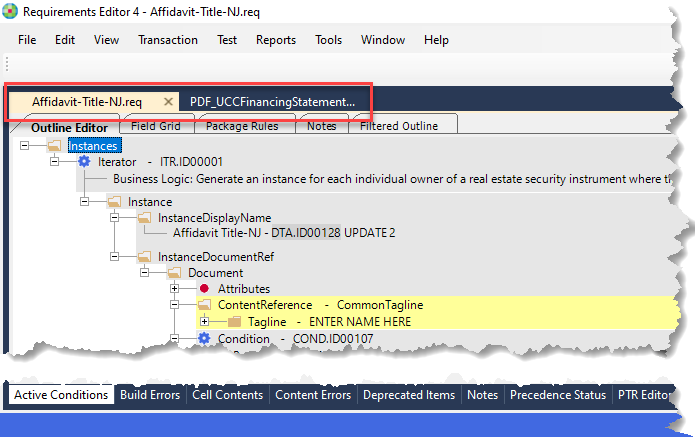
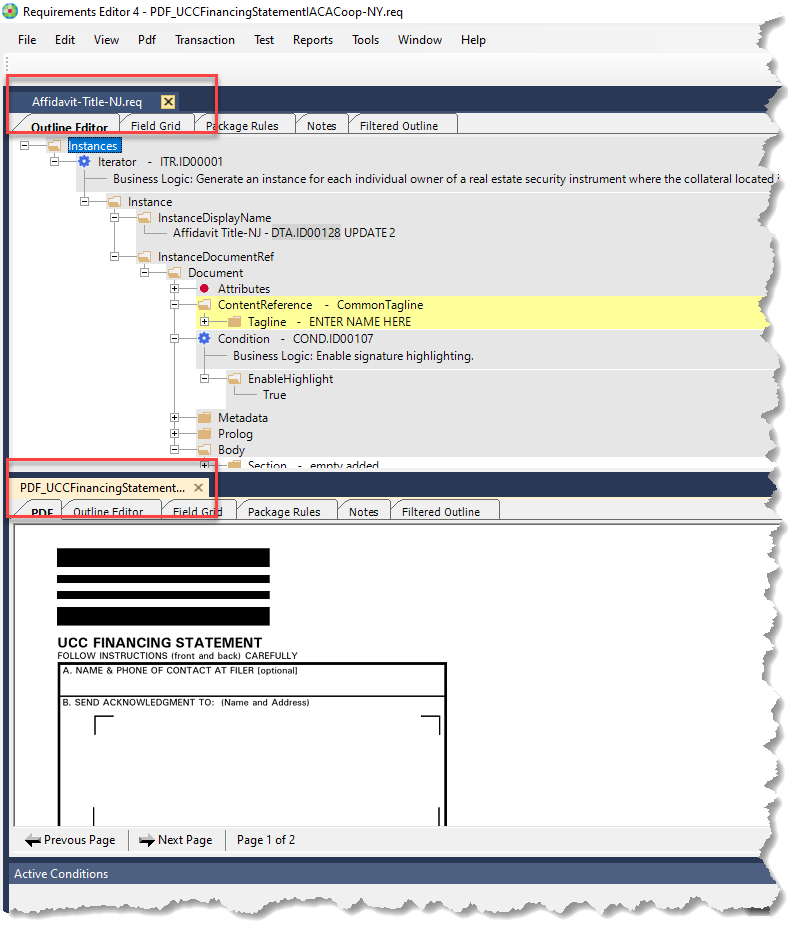
Some of the presentation options include: Float, Dock, Auto Hide and Hide. For more information, refer to Arranging and Docking Windows.
View Windows
The View Windows area displays specific information about the document currently active in the Document Pane. By default, these open at the bottom of the screen.
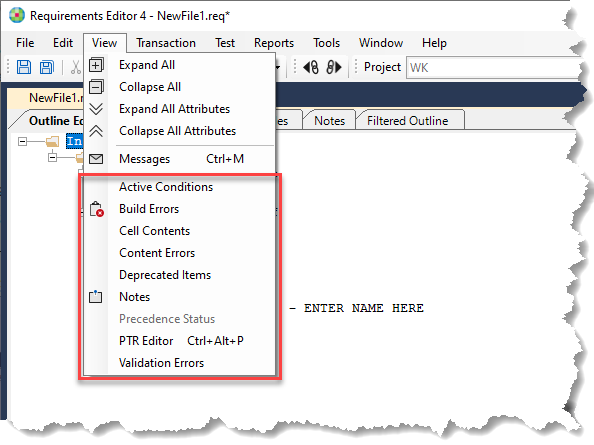
The View windows can be moved in the same manner as the Document pane windows by dragging the tab to another position. For more information, refer to Arranging and Docking Windows.