Messages
The Messages pane provides a log of system-generated messages related to actions taken on the selected requirement files.
The Messages pane is available for both dynamic and static documents by
selecting or pressing Ctrl+M.
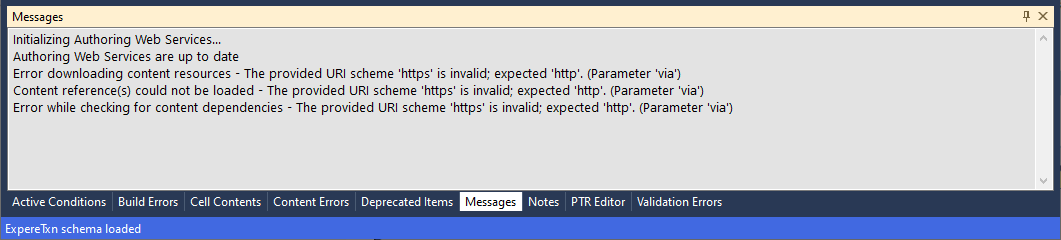
The context menu for the Messages pane (right-clicking anywhere within the pane) contains Copy, Select All and Clear commands. Note that there is no retained log for this pane, so cleared content can't be retrieved.