Precedence Status
The Precedence Status window displays the precedence status of an element within the requirements files. When working with inherited documents, you can view the original document (the source of the inherited document) in the precedence window for any element that has been modified from its original version.
The Precedence Status window is available by clicking the Precedence Status option in the menu and also through the standard toolbar in the Other Windows list. The Precedence Status window is available for dynamic and static documents. From this view you can load the original document by right-clicking on a selected element and then selecting View Original Document in the shortcut menu.
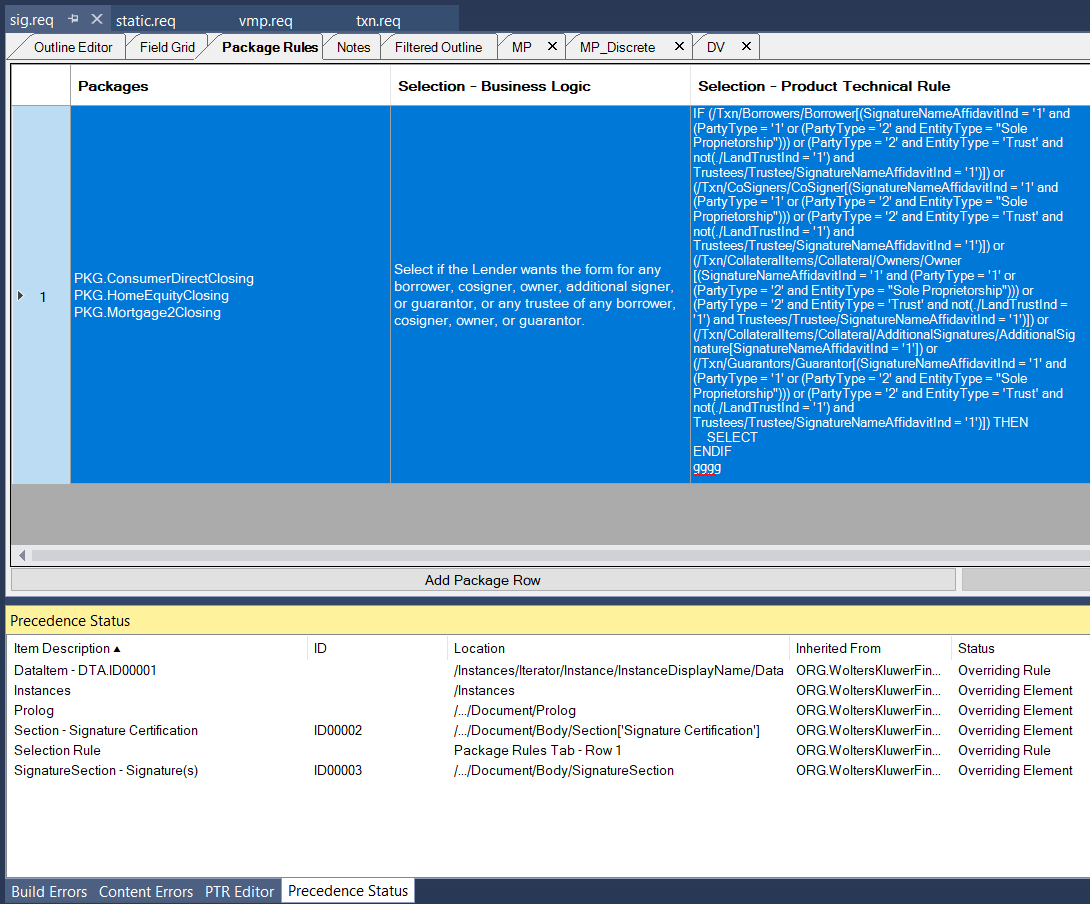
Clicking a column header sorts the entire Precedence Status list alphanumerically in ascending order based on the column header clicked. Clicking the same column again reverses the sort.
Context Menu
| Command | Description |
|---|---|
| Refresh | Scand the current document and repopulates the Precedence Status tab. |
| Export All | Exports all information in to a spreadsheet. When selected, the standard Save As dialog appears, allowing you to provide the location and file name for the spreadsheet. If no file name is provided, a default name is given based on the REQ file name. |
| View Original Document | Displays the document from which the selected item originated. |
| Remove Override | Removes the precedence override from the selected item. |
| Go To Location | Displays the location where the selected item is used within the Outline Editor tab. This command applies only to DataItem and Condition items. |