Cell Contents
The Cell Contents window provides an editing view of the contents of a particular cell, or field, that is active in an authoring perspective. This feature allows you to edit the cell contents in an editing view and offers some formatting options for you to apply exclusively to the cell contents. This window also provides an option for you to edit outside of the cell in a given authoring window.
The Cell Contents window is available by clicking the Cell Contents
option in the menu and also through the standard toolbar in the Other Windows
list. The view is available for dynamic and static documents in any of the authoring
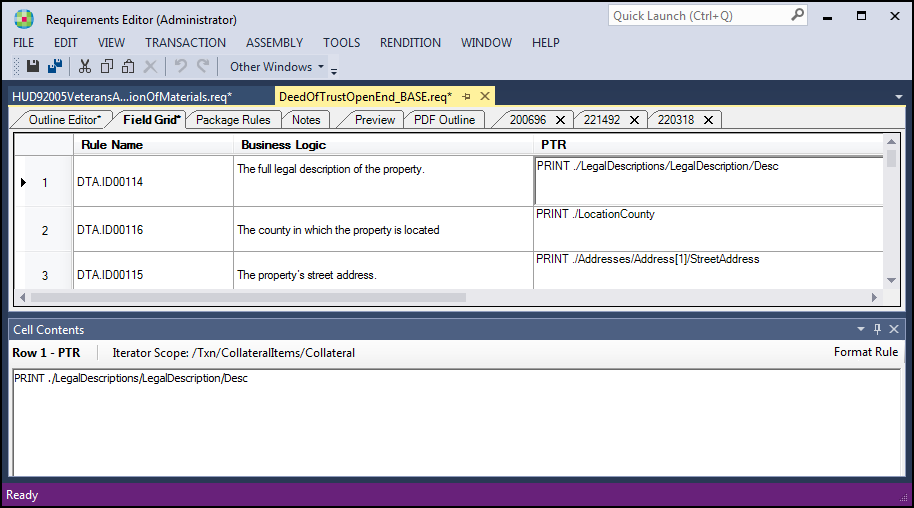
tabs except Preview and PDF Outline. This is an example of the Cell
Contents window when the Field Grid tab for a dynamic document is active and the
PTR field for a data point is selected.
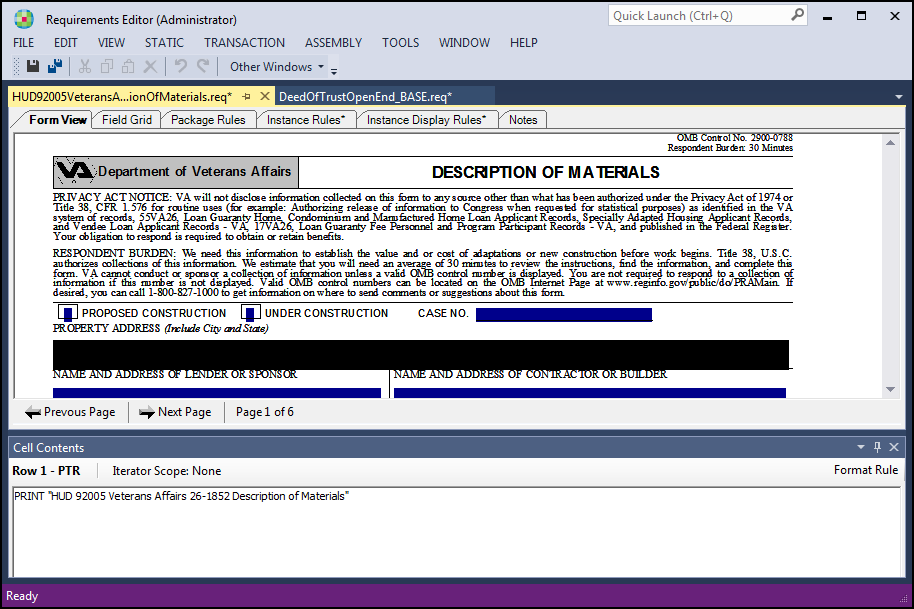
Here is an example of the Cell contents window when the Form View window
for a static document is active and an editable field (the Property Address field) is
selected.