Restoring your Oxygen options using PCS Backup-Restore
- Verify that Oxygen is not running.
-
Within InfoDev Tools select .
The Profile Condition Set Backup and Restore window is displayed.
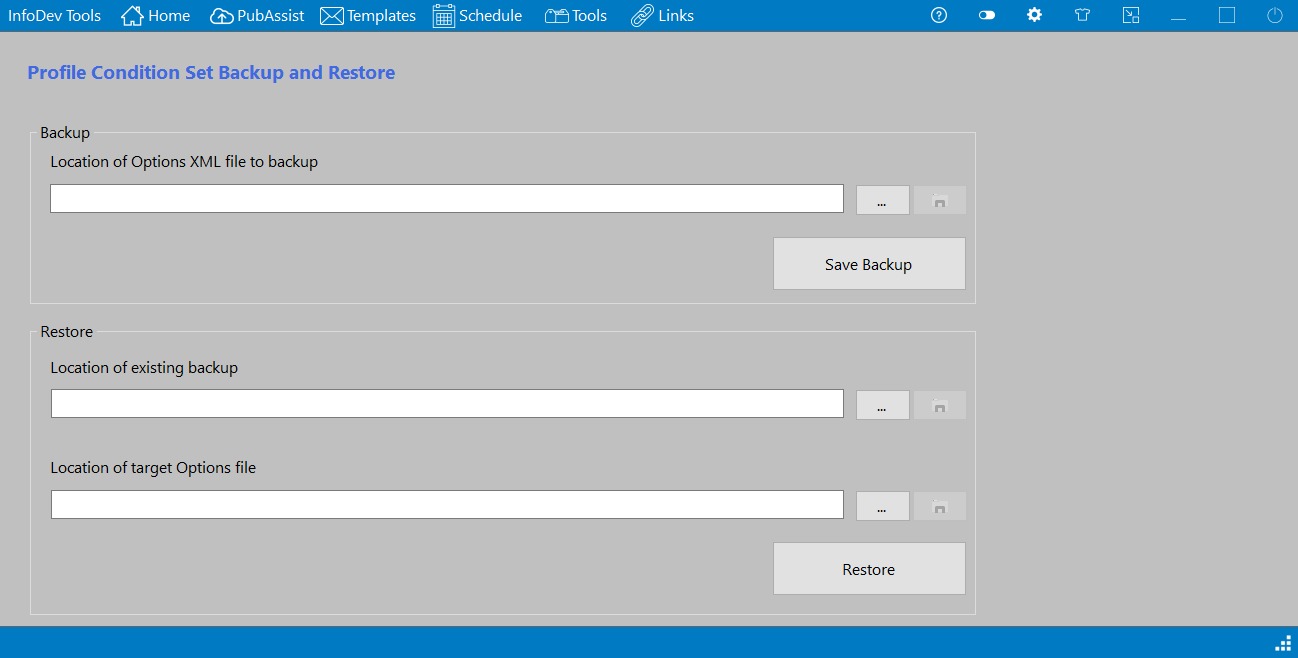
- Within the Restore section, select the Browse button for the Location of existing backup.
- Browse to the default location of the ProfileConditionSets* backup files. The default location is in your Documents folder: C:\Users\<username>\OneDrive - Wolters Kluwer\Documents\InfoDev Tools.
-
Select the file you wish to restore and select Open.
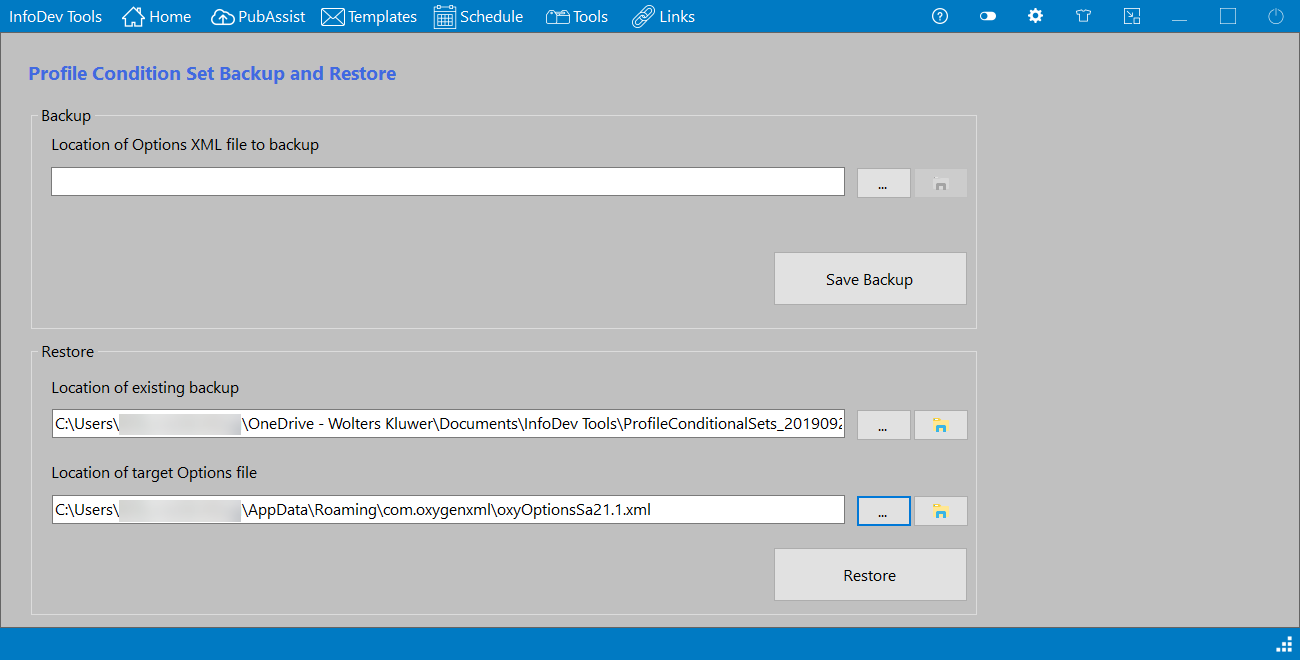
The Location of existing backup text is updated with your selection.
- Within the Restore section, select the Browse button for the Location of target Options file. This automatically opens to the Oxygen appdata folder containing the options file.
-
Select the latest version of the oxyOptions* file (I.e.
oxyOptionsSa21.1.xml), then select Open. This tells InfoDev Tools which
file you wish to overwrite.
The Location of target Options file text is updated with your selection. The screen should now look similar to the following.
- Select Restore to restore your options.