Creating a backup using PCS Backup-Restore
-
Within InfoDev Tools select .
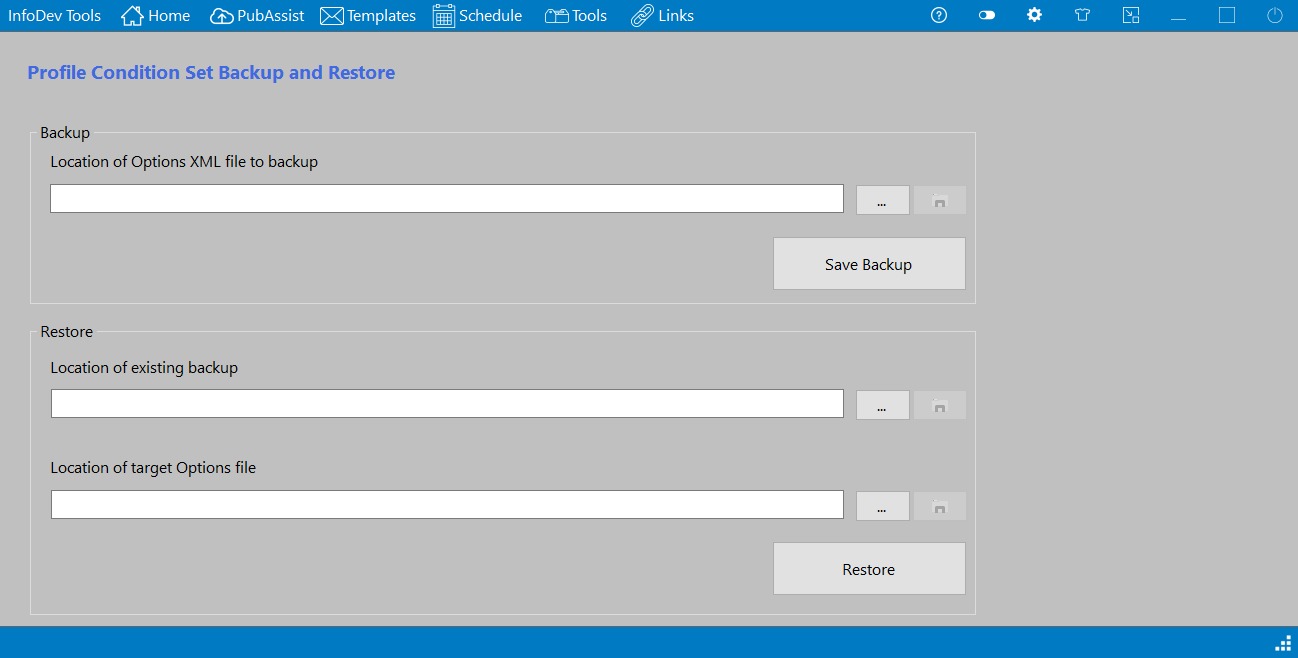
The Profile Condition Set Backup and Restore window is displayed.
-
Within the Backup section of the window, select the Browse button.
You are presented with the location of the Oxygen options files.
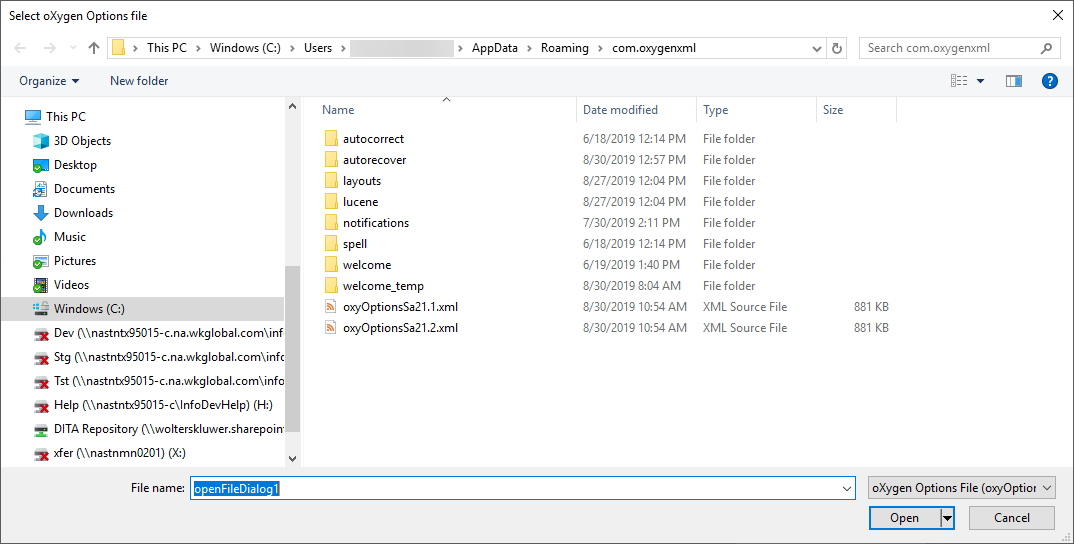
Oxygen options files are named oxyOptionsSa<version number>.xml.
-
Select the latest version of the options file in this location, then select
Open.
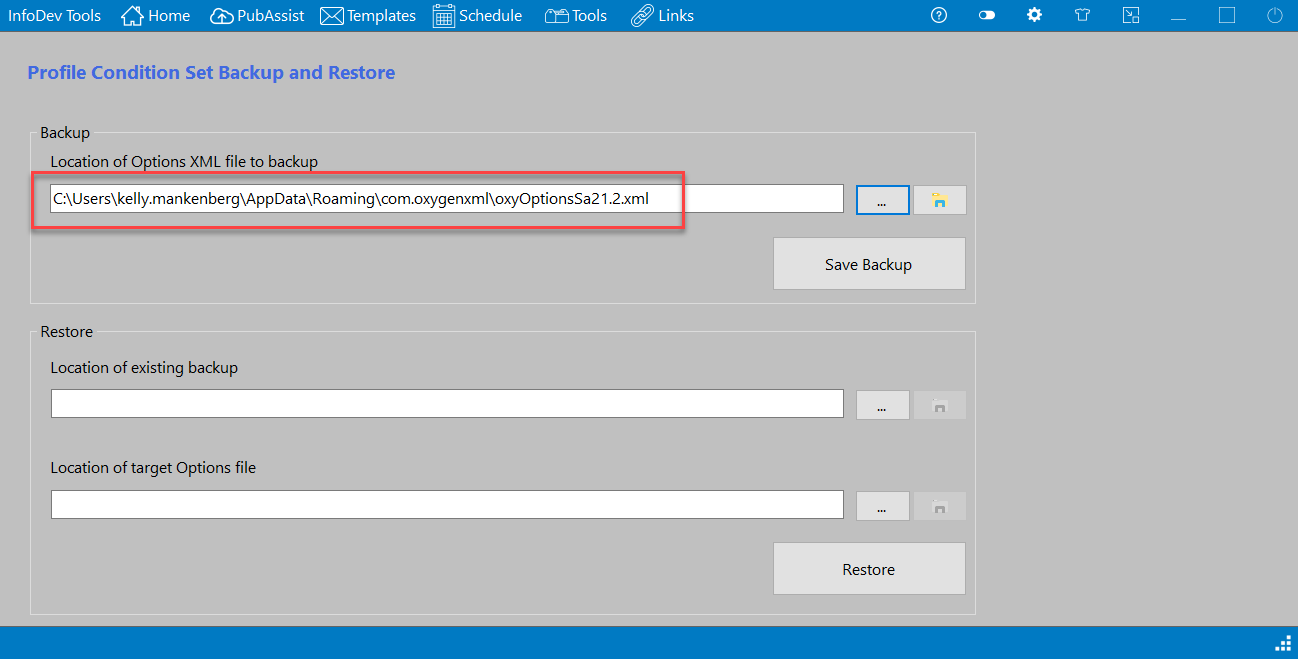
The selected file and its path are entered into the backup location text box.
-
Select Save Backup.
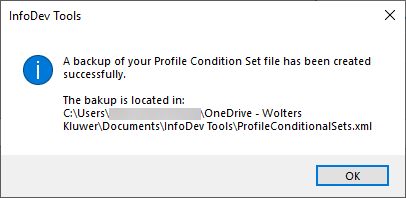
the backup is created and a confirmation message appears.