Generate a fully resolved package
This section explains how to generate a fully resolved package using the Content Identifier URI functionality for transaction submission to Expere.
- From the Select Generate and Deliver, Select and Generate, and Select pages, select the Use Packages and Packets checkbox and click Generate.

- From the Generate Content URI page, select the desired package and click Generate to populate the Content Identifier URI dialog on the main action page.
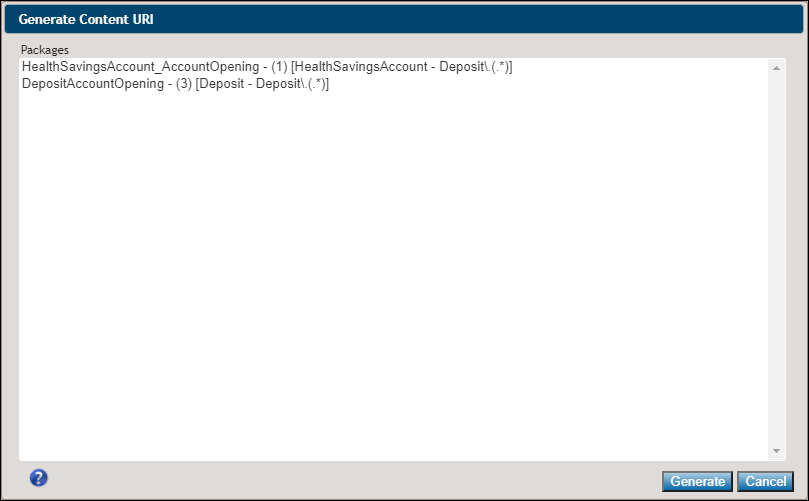
Note: The Generate Content URI dialog box display the appropriate LOB and Alias for each Package.
Note: Document Generation Services can process a request that specifies the EZ Config Packages and Packets' "Package Name" OR "Package ID" in the Content URI. For example:BaseLibrary.PKGPKT.160011orBaseLibrary.PKGPKT.DepositAccountOpening