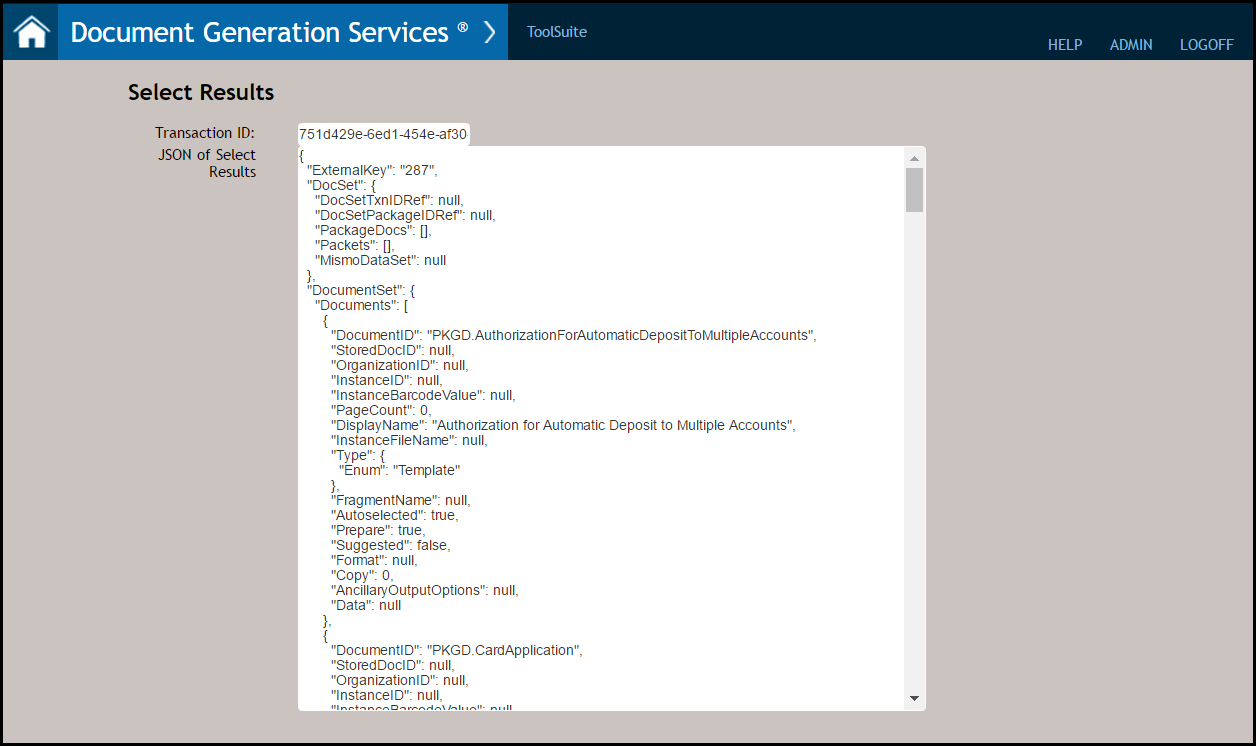
Select Results
The Select Results action provides a user with the ability to view transaction that was previously executed via a Select API call using a Transaction ID. The Select Results page also appears when successfully generating a document on the Select page.
Click the Select Results option on the main Tool Suite page to begin.

- Enter a Transaction ID in the corresponding field. This identifier is assigned to a transaction when it is successfully selected.Note: The Transaction ID is also populated when successfully submitting a transaction on the Select page. Note also that the Transaction ID field allows up to 36 GUID characters.
- Click Submit to return a list of autoselected documents for the transaction.