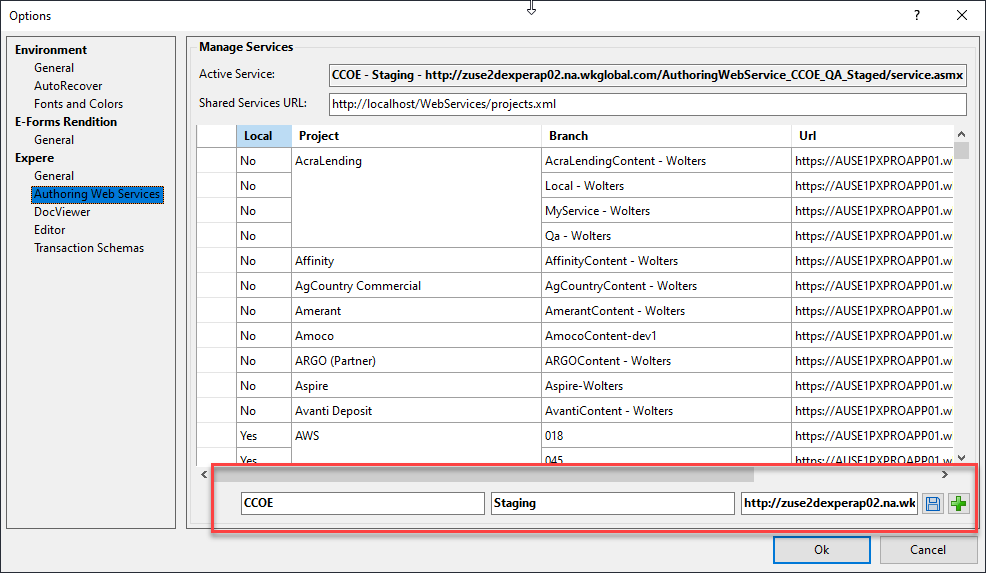
Authoring Web Services
Authoring Web Services allows you to add, delete and maintain multiple Authoring Web Service files.
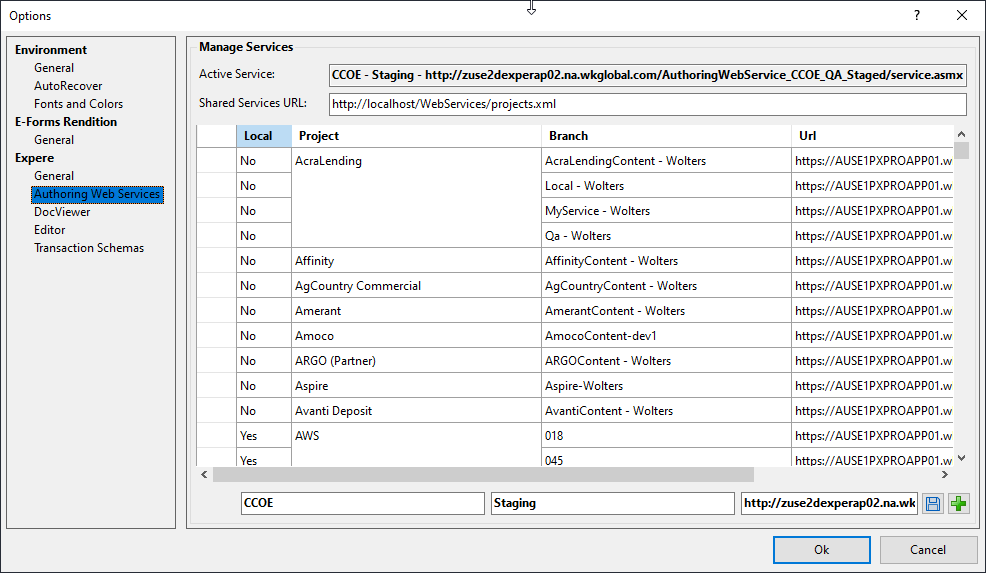
Active Service
Active Service indicates the serevice you have currently selected as the active service. The active service can be selected by right-clicking the desired service and selecting Set Active Service. Likewise, you can deselect the active service by right-clicking any listed service and selecting Reset Active Service.
Shared Services URL
The Shared Services URL is a web URL (https or https) to an XML file that contains multiple web services. This provides a method for customers to maintain and distribute all web services that their document creators may require.
To load the services, simply enter the URL path in the Shared Services URL text box and select OK. The services are immediately available within the Web Services toolbar and also within the Options when reopened. If you have previously entered any services manually, they are retained when the web services url is provided.
Note that when the Shared Services URL is provided (the text box is not empty), each time Requirements Editor is started, it automatically checks for an updated XML services file and, if found, updates the services list.
Manually entering a service