Installing InfoDev Tools
Everything installed at once. How simple is that!
This procedure provides step-by-step instructions for installing all required tools for DITA authoring - with the exception of Oxygen XML Editor, of course.
- Download the InfoDev Tools installation file by selecting the following: InfoDevTools2021_Setup.exe
-
When the download is complete, locate and run the file.
The initial installation window is displayed.
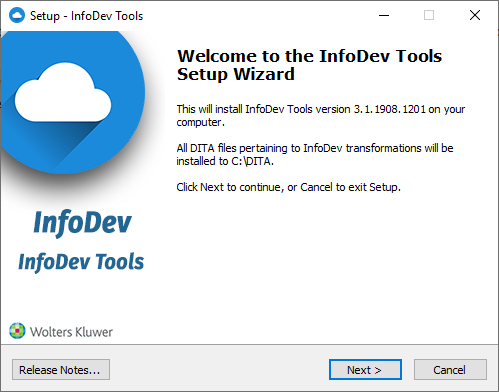 Note: Selecting Release Notes displays the changelog for InfoDev Tools within your default browser.
 -
Select Next to display the Ready to Install step. This allows the
installation application to ready itself with all installation options.
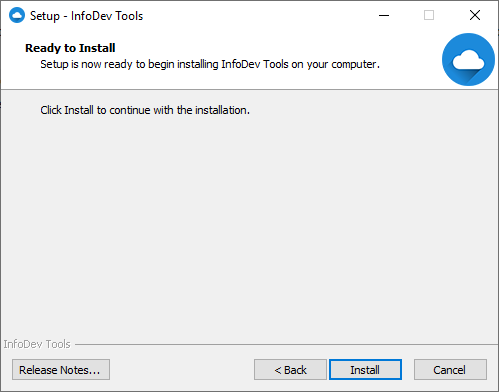
-
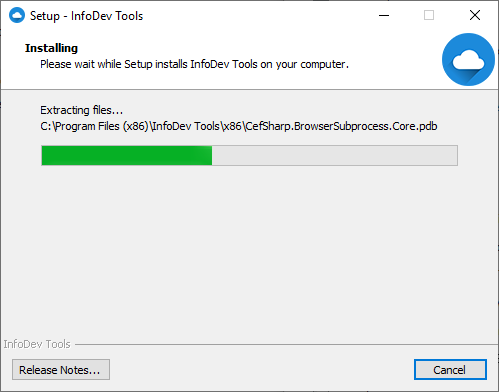
Select Next to begin the installation. A progress indicator is displayed
during the process.
 When installation is complete, the Finish window is displayed.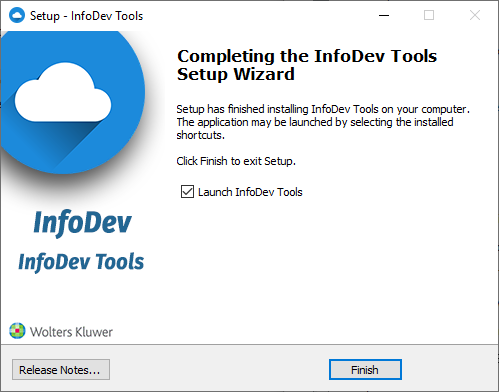
- Select Finish to close the installation application.