Previewing a Document
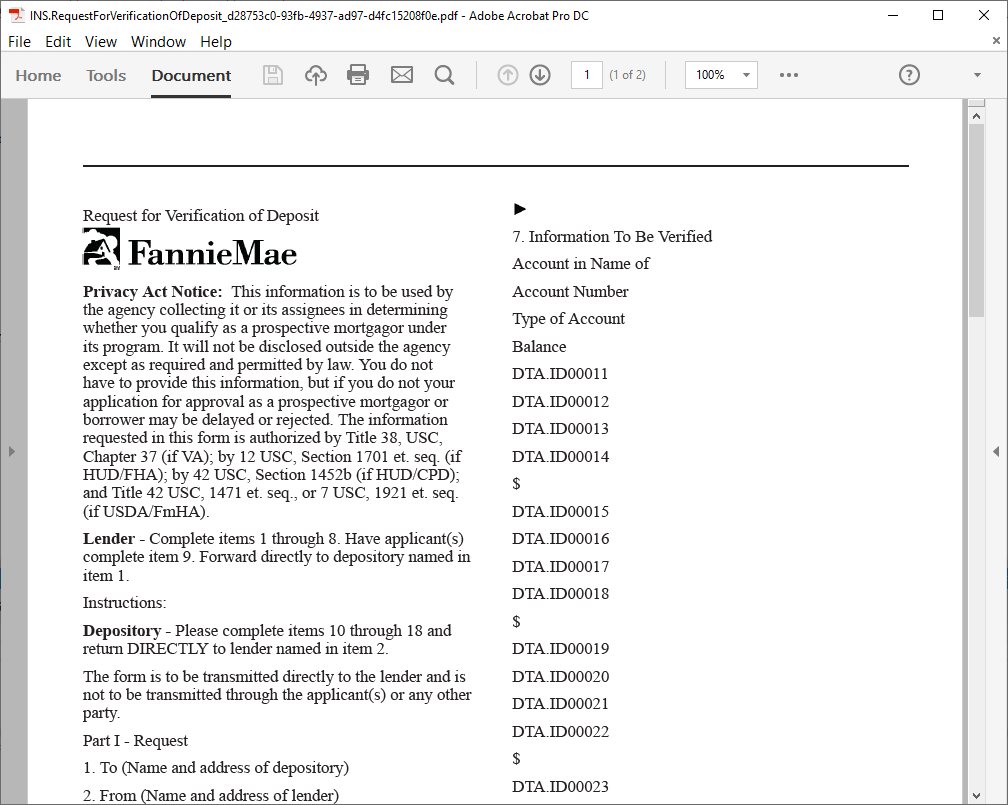
The Preview command allows you to view a requirements file in the format that closely resembles how the eventual published file will appear as a generated PDF and includes a listing of all the data points (DTAs) contained in the file as well as any invalid rules or missing GDD names/Public names.
Auto-Refresh Feature: The Preview now automatically refreshes whenever you update used transactions. When you switch back to the Preview tab after editing transactions, the latest data is shown without needing to manually refresh.
You can create a preview PDF by selecting , or by using the keyboard shortcut Ctrl+Shift+P. The rendered preview PDF is displayed within your default PDF application and is available for dynamic documents only.
Following is an example of a rendered preview.