Previewing a Document
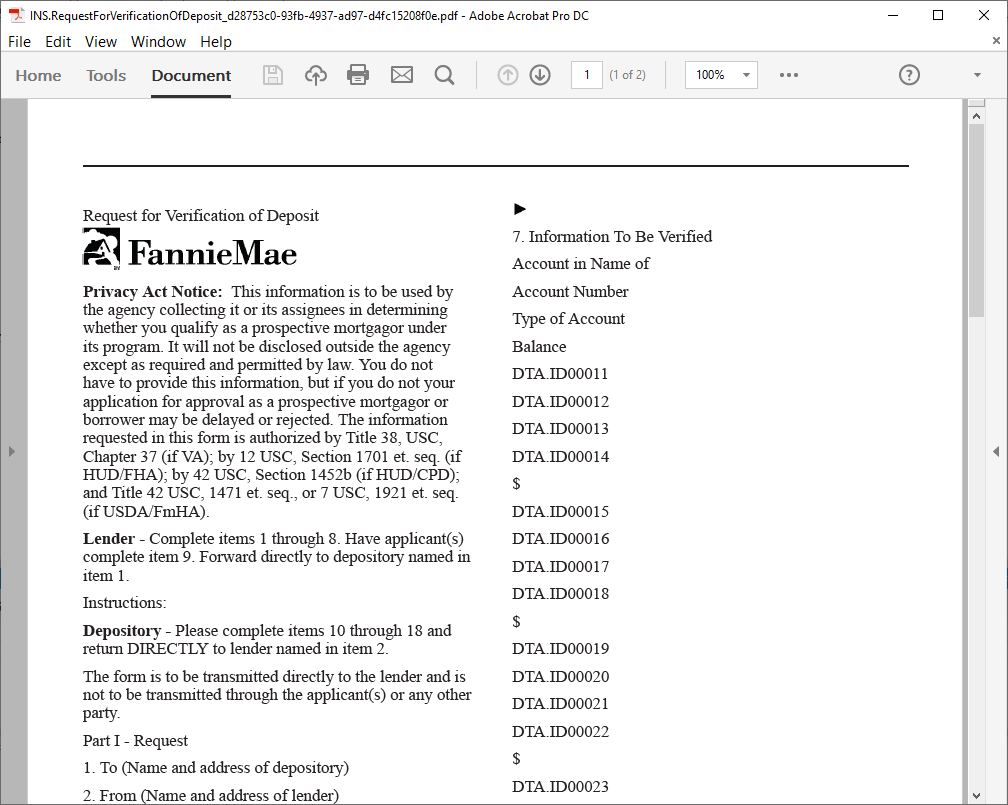
The Preview command allows you to view a requirements files in the format that closely resembles how the eventual published file will appear as a generated PDF and includes a listing of all the data points (DTAs) contained in the file as well as any invalid rules or missing GDD names/Public names.
You can create a preview PDF by selecting or by pressing Ctrl+Shift+P. The rendered preview PDF is displayed within your default PDF application and is available for dynamic documents only.
Following is an example of a rendered preview.