HTML Outline
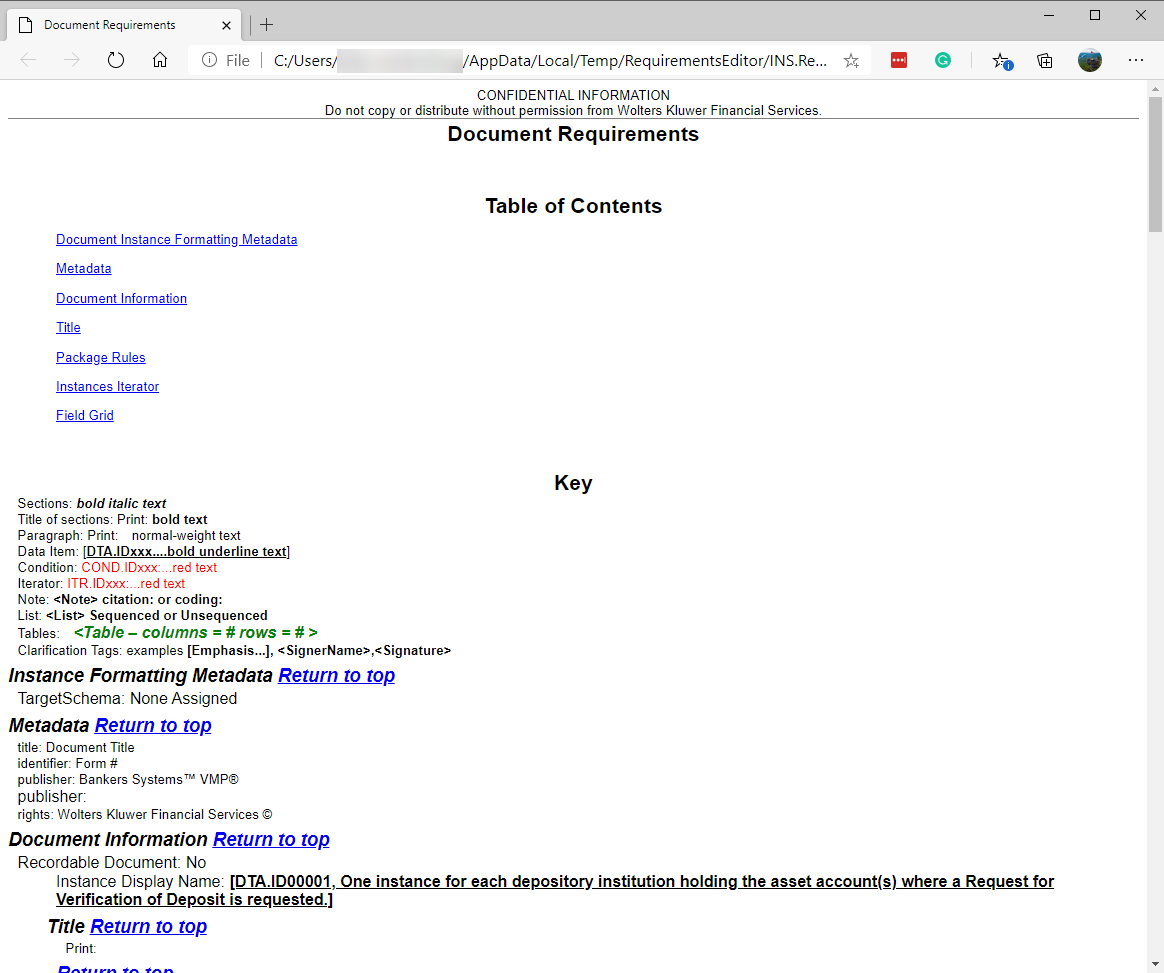
The HTML Outline command allows you to view an HTML rendered version of the requirements file as it appears in the Outline Editor. Included in the HTML Outline are all metadata, document information, body sections, package rules, instances, and the field grid. This feature is often used in testing a requirements file. The document opens in your default web browser as a single HTML page.
You can access HTML Outline by selecting or by pressing Ctrl+Shift+H. HTML Outline is available for dynamic documents only.
HTML Outline Features
The content rendered to the HTML Outline contains the following features.
Table of Contents
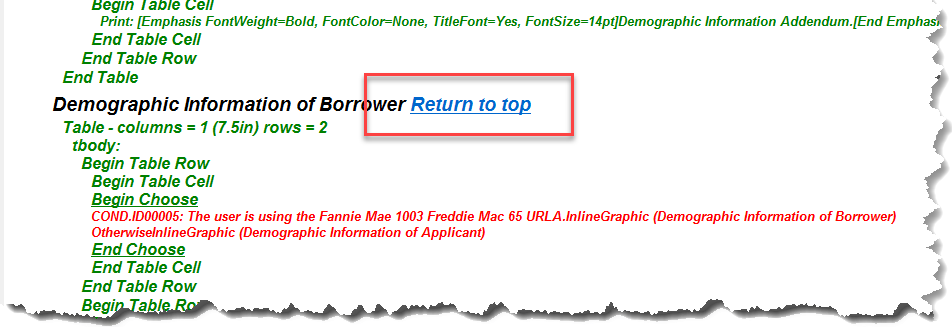
Key
The following table is provided to help define the formatting conventions used within the Key as they apply to the contextual items of the HTML Outline content.
| Key Item | Description |
|---|---|
| Standard formatting | The following are used as base formatting styles:
|
| Headings | Headings are formatted with bold italic text and 14pt
font size. Note that each section heading ends with a link to return to
the top of the page.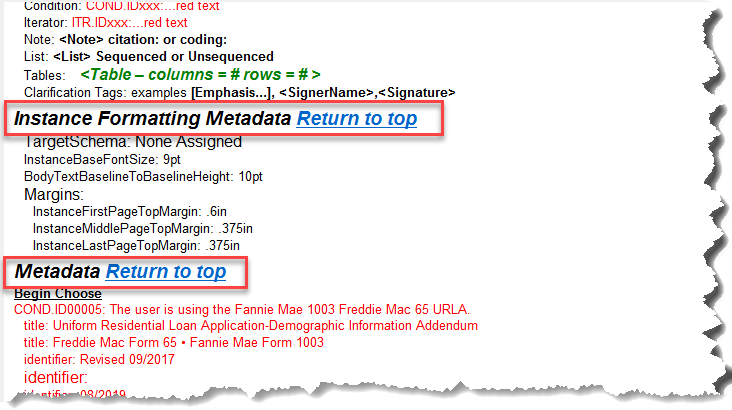 |
| Section Titles | Section titles are formatted with bold text and normal font
size. Note: Section titles are currently not used within the HTML
Outline. |
| Paragraph | Standard paragraph is formatted with normal text formatting with a 10pt font size. |
| Data Item | Data items are formatted with bold underline. The
following example highlights the start and end of a data item.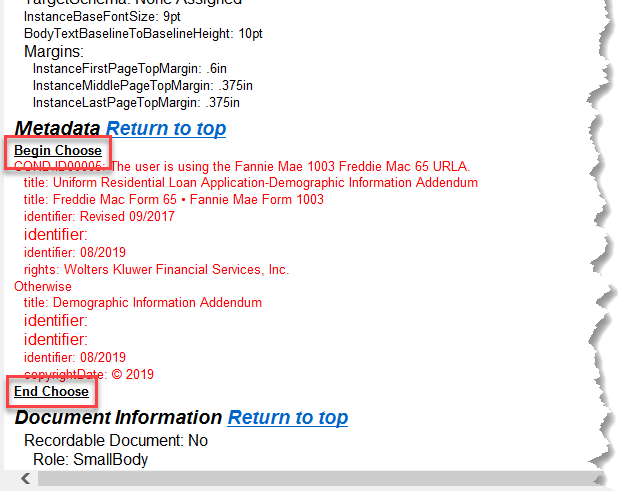 |
| Condition | Conditions are formatted with red text in the standard font
size.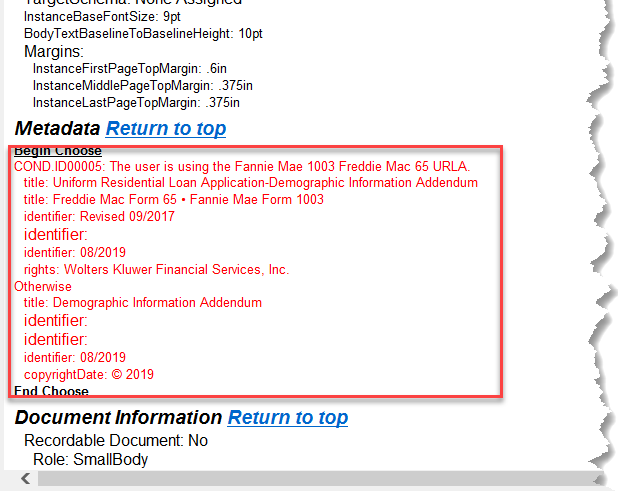 |
| Iterator | Iterators are formatted with red text in the standard font
size.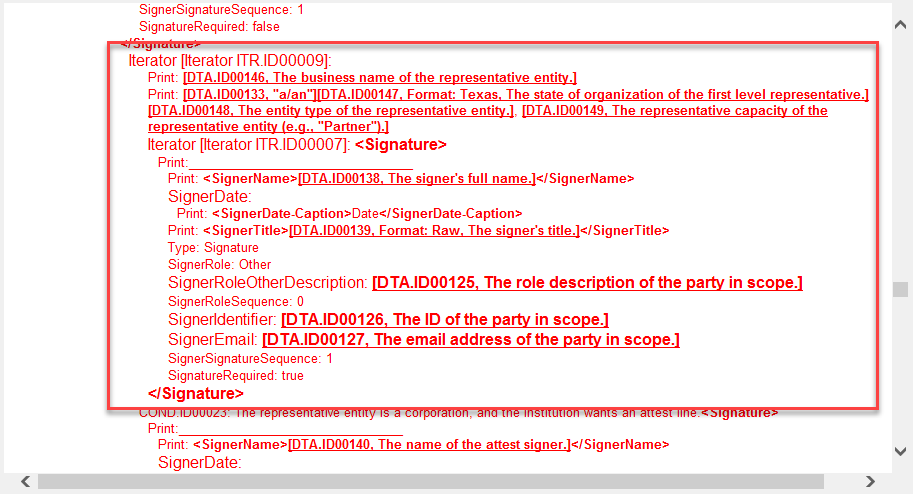 |
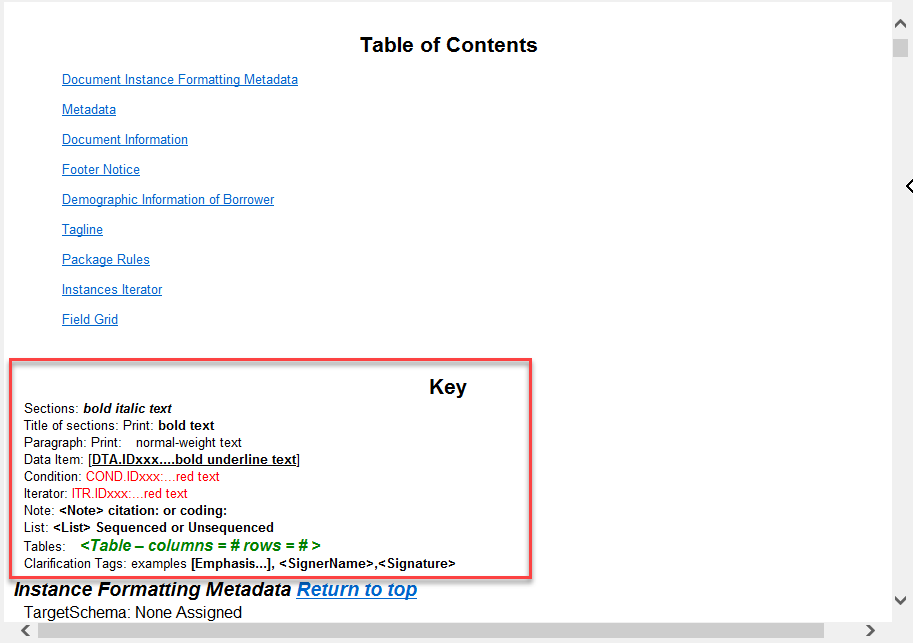
| Note | A note is formatted with bold text. The font size and color follows
that of the parent element. The following example show a note within a
table cell (which is formatted with a green font color).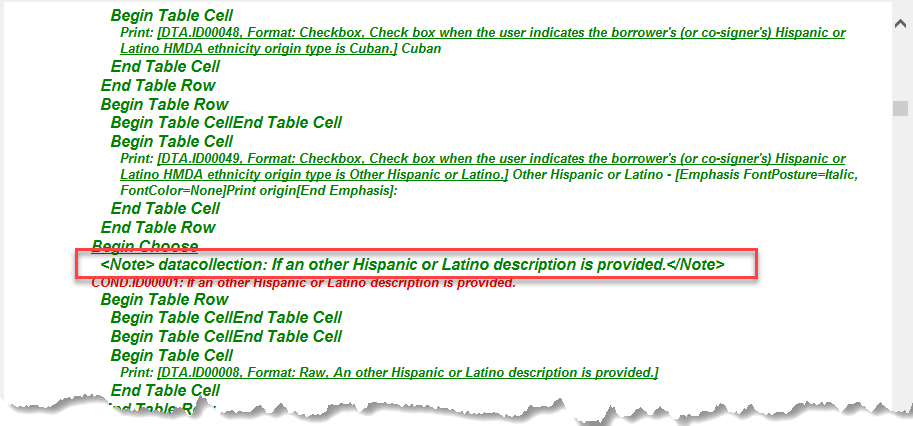 |
| List | Lists, both sequential or bulleted, are formatted in bold text. |
| Tables | Tables are formatted with green text in bold italics.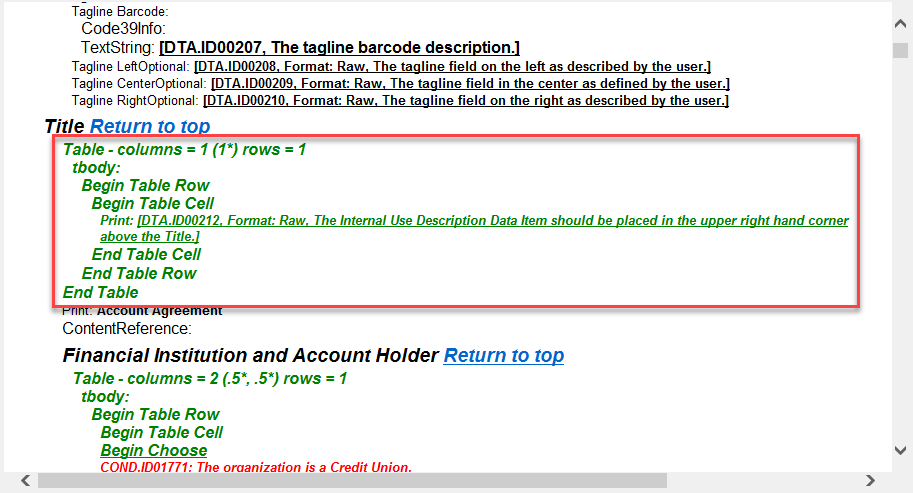 |
| Clarification Tags | Clarification tags appear in the HTML Outline page to help identify
content that is called out from the surrounding content. |