Inserting an Overflow Page into a Static Document
If a static document requires an overflow page,
- Open the file in I-32 Forms Design.
-
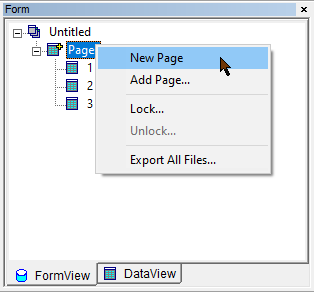
Within the Form pane, right click the Pages node and select Add
Page.
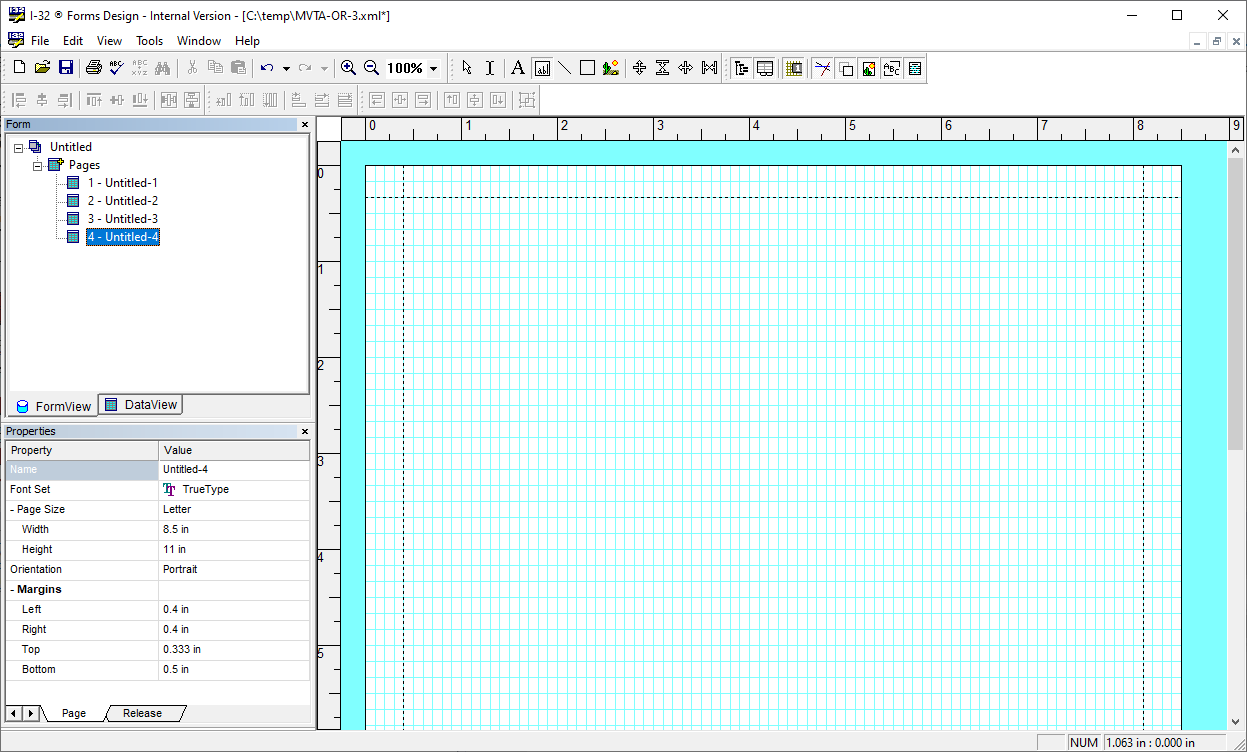
A new page is added to the end of the Pages node. -
The new page is automatically displayed in the editor.
-
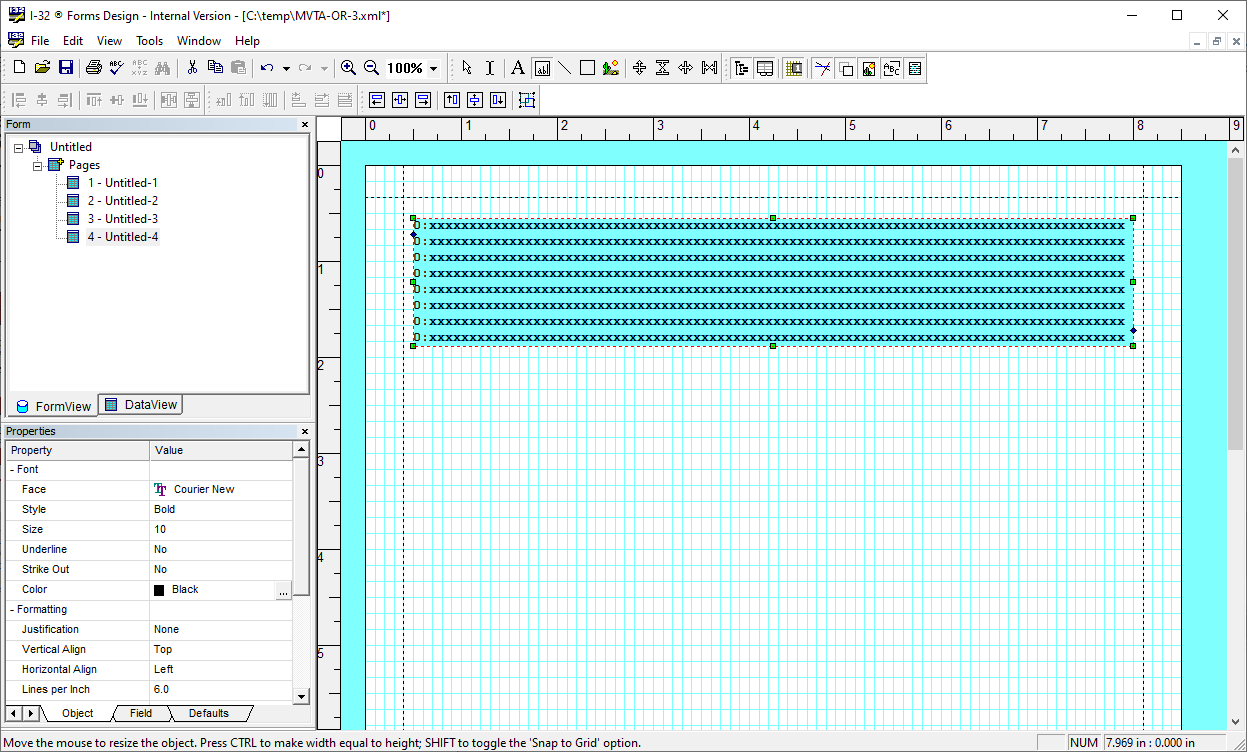
Use the Field Tool to create a new field on the new page. This will be the
field used to receive the overflow content.
- Save the image file.
- Continue setting up the overflow field as described in Editing the Overflow After Importing.