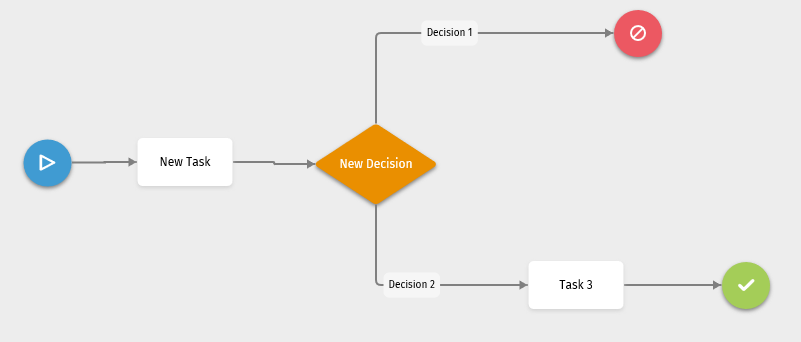
End
 is added to a
template by default and represents the end point in the template diagram.
is added to a
template by default and represents the end point in the template diagram.
Properties Pane
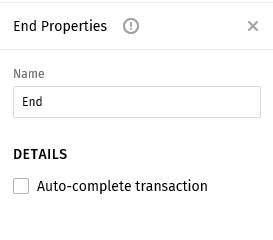
Complete the following information in the End Properties pane.
- Name: Enter a name for the end point.
- Auto-complete transaction: Select this option if the stop
initiates an automatic completion of the transaction.
- If Auto-complete transaction is selected, the transaction will automatically be marked complete after a user completed the final task in the workflow process. The user who completed the final task will display as the user who completed the transaction.
- If the Auto-complete transaction is not selected, a user can manually mark the transaction complete if the user has the 'Complete Transaction' permission assigned in Security Administration.