Process Template Page
The process template page is where a template process is defined and edited. Tasks, decisions, gates, phases, stop, and end points can be added to create a workflow.
Select  on the
Process Templates grid page or select an existing process template on the Process
Templates grid page to open the Process Templates page.
on the
Process Templates grid page or select an existing process template on the Process
Templates grid page to open the Process Templates page.
The process name display at the top left. When creating or editing a template, an asterisk displays at the end of the name until the template is saved.
Diagram Panel
A panel with task, decision, gate, phase, stop point, and end point items displays for new templates, or existing templates when editing.
| Diagram Panel | Panel Items |
|---|---|
 |
|


Template Functions
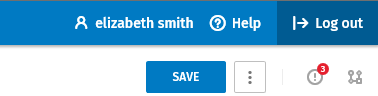
| Function | Description |
|---|---|
 |
Select to save your work. |
 |
Select to display the Errors pane including list of errors in the template. |
 |
Select to display or hide Process Properties. |
 |
Select to access Activate, Deactivate, Save As, Export, and Delete functions. Available functions display according to the state of the template (Active, Draft, Inactive). |
Properties Pane
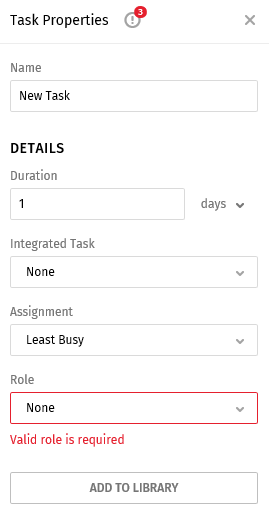
The right panel displays properties after a item is selected. (task, decision, gate, phase, stop, or end). The Properties pane must be complete for each item in the template diagram to avoid errors.
New Task Properties