Error Message when Accessing a Process or Task
All data on CASH Workflow is segregated according to user’s assigned locations. A user will be able to see only those processes and their related information (dashboard, tasks, alerts, notifications) in Workflow that are tied to locations that they have access to in CASH suite.
When a user's or a product's location is changed, all appropriate processes to move to the changed location.
If a user does not have access to a location, the user's assigned locations were changed, or the product's location was changed, the following message displays when a user attempts to access a process or task by a direct link.
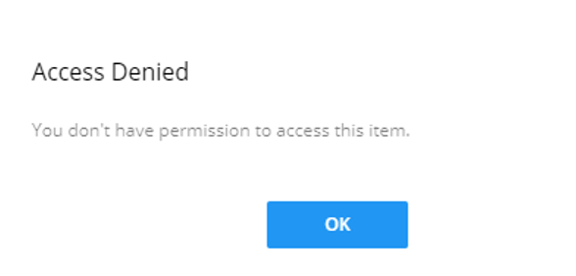
Your Administrator can provide support in assigning a user to the appropriate location(s) in CASH. Suite.
Note:
If the Product location is changed, the associated active processes ((in
progress, on hold) and product will be moved to new location. All "least
busy" tasks will be assigned to the available user with the fewest number of
tasks. All "queue" tasks will be put in a queue without a user’s
assignment.