Assigning a Location to a User
- Log in to CASH Suite.
- Select Groups and Locations on the Admin tab.
- Verify Serve as Location is selected.
- Select a location.
- Select a user and select Move.Note:Select Inherit to sub-group to add the user to all locations below the selected location.
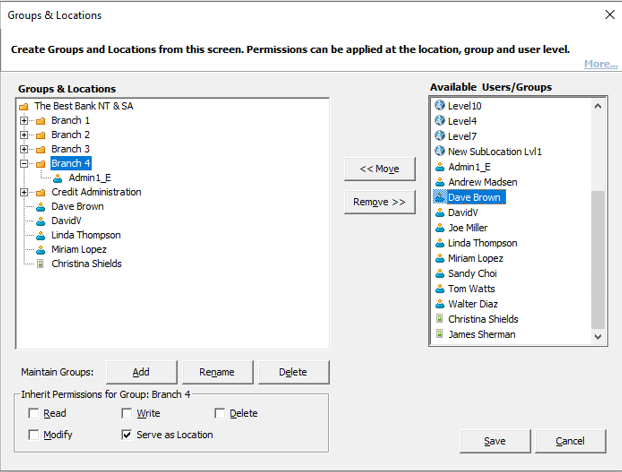
- Select Save to apply the changes.Note:After the changes are applied, CASH Workflow will display data on grids and reports according to the locations where a user has access.
Note:
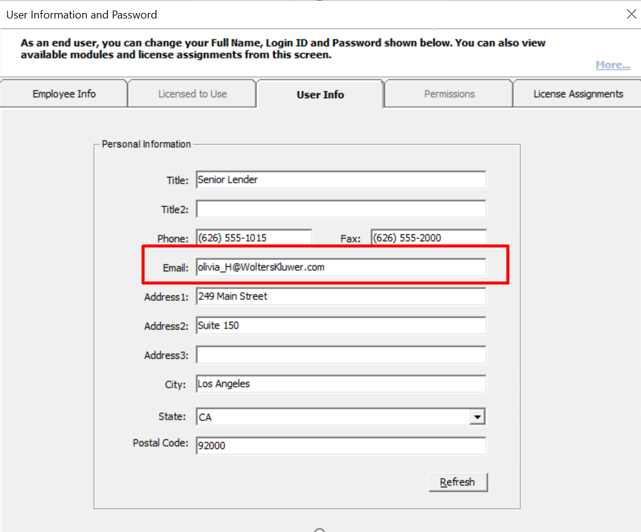
Verify the user’s email address in CASH Suite and the User Name in
Security Administration are identical. A user must log in with the
same email address to see the same data in CASH Suite and CASH
Workflow.